

Post your location
Posted


Moderator


Where are you in the world? See where others are.
moimaim said
You have a point with privacy.
Individuals need privacy, professionnals need to be found.
Guess people who don't want to be found can always place the flag on the town hall, or church, or whatever…
6 decimals would be great.
How long would it take a pro to implement this on a site?
From “Post #1231”, 26th Nov 2016
About an hour, should be quite straight-forward as that addon was made specifically for achieving this.
Posted

As far as I can remember, your understanding of "straight forward" isn't exactly the same as mine

I'll give a go tonight, and i'll take a ticket if (when) it drives me too crazy.
Let you know tomorrow.

Posted

Nothing really complicated…
Installed add-on:

Created catalogue with fields as indicated on the add-on's page:
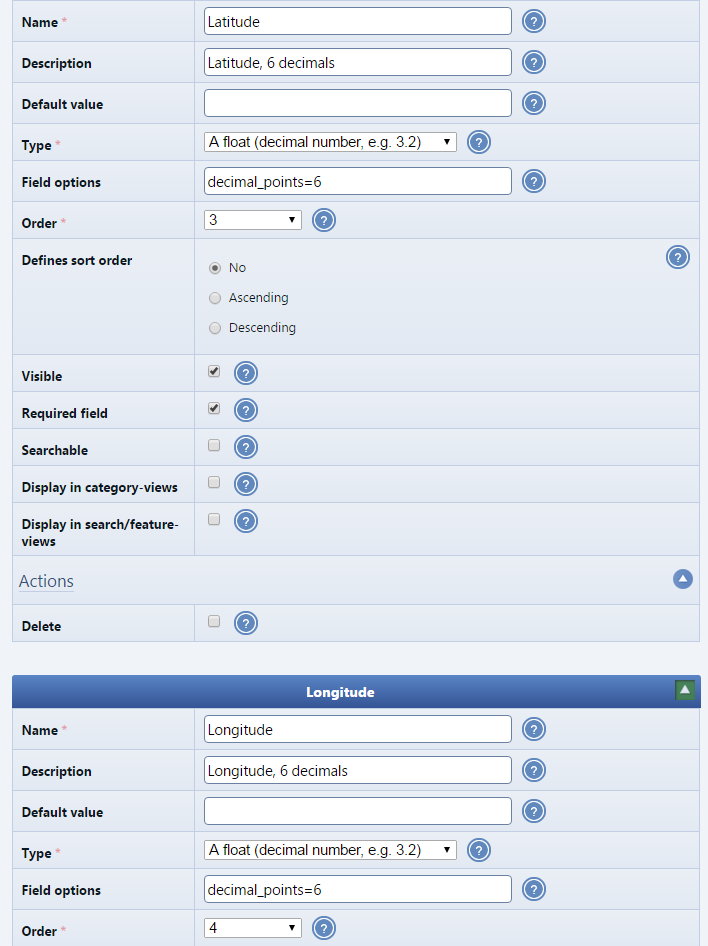
Created a catalogue entry.
Visual location selector was there as it should, lots of decimals.
The 6 decimals are still there even after the entry has been edited:

Created a page and added the block:
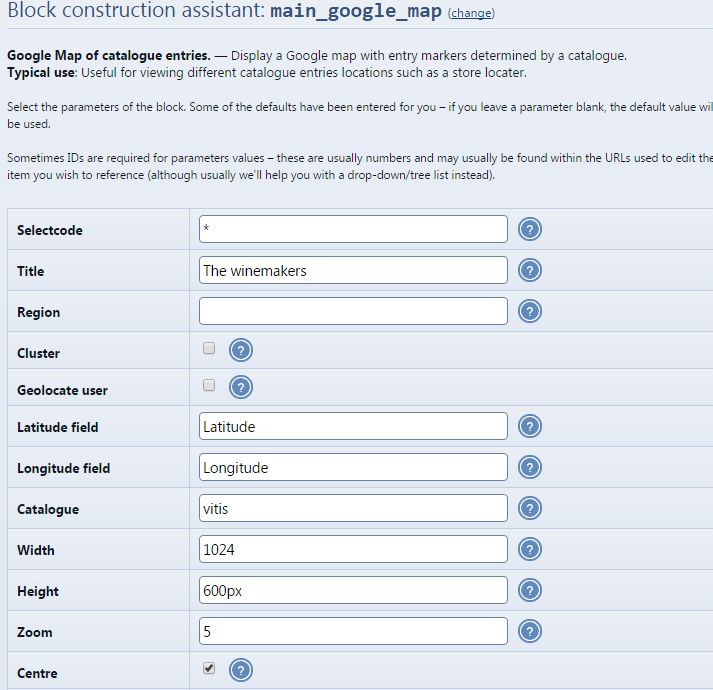
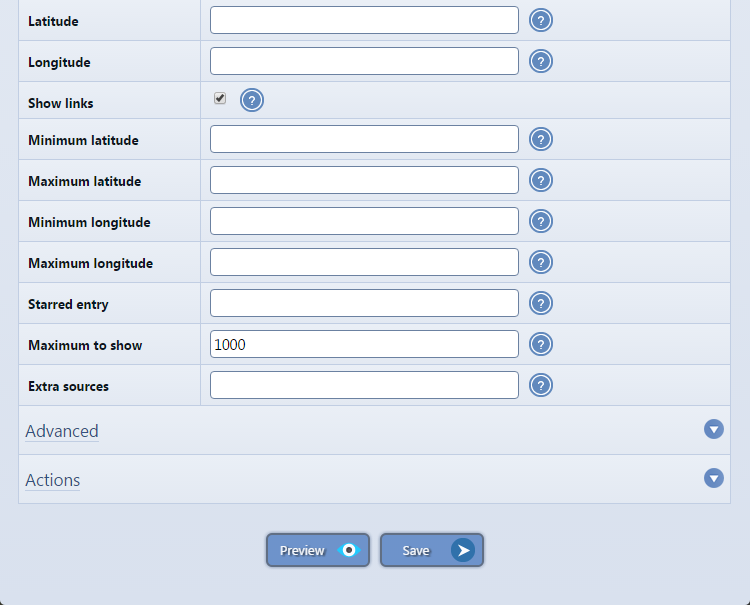
Then called the page.
Still a few hundred meters out:
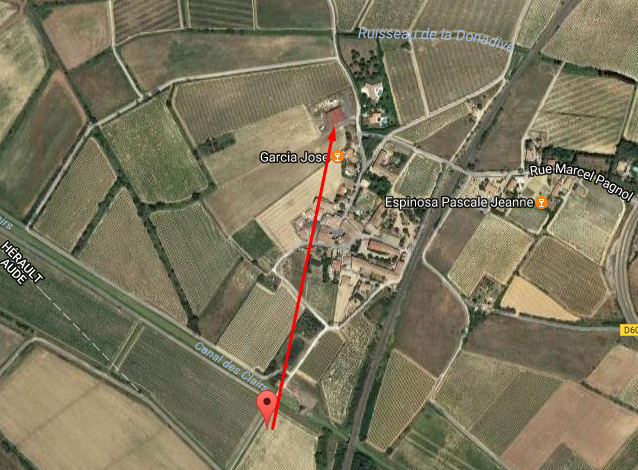
When I click on the pin, the entry shows up.
Displayed lat/long are still 2 decimals:
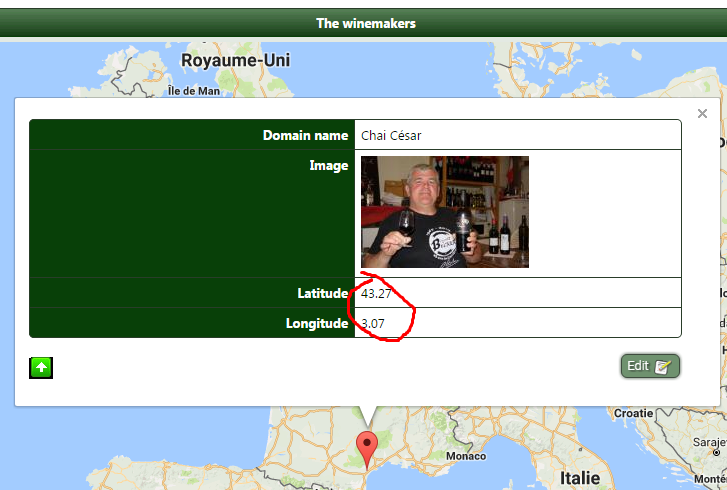
Gefickt

You were right about setting the thing up. It was a piece of cake.
The function is really neat, looks great.
Any ideas?
 Last edit: by Chris Graham
Posted
Tried with quotes or brackets, nothing changed…
Posted
Moderator
Posted
Moderator
 . I just tried doing a write-up of the issue, but I think the issue caused some confusion and inconsistencies with the screenshots, so best just consider it a clean-slate. I re-wrote how we handle floats with locales to be much more robust.
Posted


Struggling to understand basics of Composr...Can't even figure out how to add a TSViewer block to the left side, so I'll be lurking a lot...
Posted
Moderator
Ghostryder said
Hello from Norman, OK
Struggling to understand basics of Composr...Can't even figure out how to add a TSViewer block to the left side, so I'll be lurking a lot...
From “Ad with script”, 1st Feb 2017
Hi Norman,
Just for you I've made a video tutorial:
Posted
Guest user
Posted

Moderator

Posted
Moderator
KingBast said
You do it via your Profile, clicking Edit, the clicking the Profile tab under Edit. Click the orange Find Me button under Position then scroll down and click Save. If you are sharing your location via your browser it is supposed to detect that, but I'm not sure if this map addon is still working as intended. I have entered my position and I don't show on the map.
From “Post #3874”, 12th Feb 2018
Thanks. I do see you though.
Posted
Guest user
Posted

0 guests and 0 members have recently viewed this.

