

Missing WYSIWYG
Posted
#7467
(In Topic #1870)

I have faced a problem with my portal with my host company after they have upgraded their server to PHP version: 8.0.27. I have solved the problem now after cleaning the cache & upgrade to the last version.
When I click on news posts, I received a massage, shown here (pic1) and the news article page comes without a place for new news (blanck), if I click on (Comcode: add tag) I received another massage, shown here (pic2). here I have to click on the button (Send anyway), again I received a new massage shown here (pic3)
How to solve this problem ot to get into WYSIWYG page ?
Kindly help
Regards
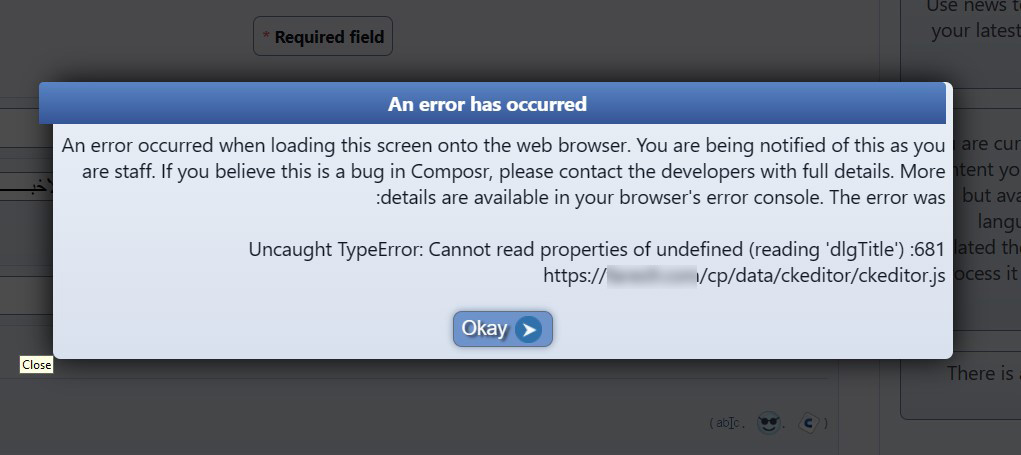
pic1
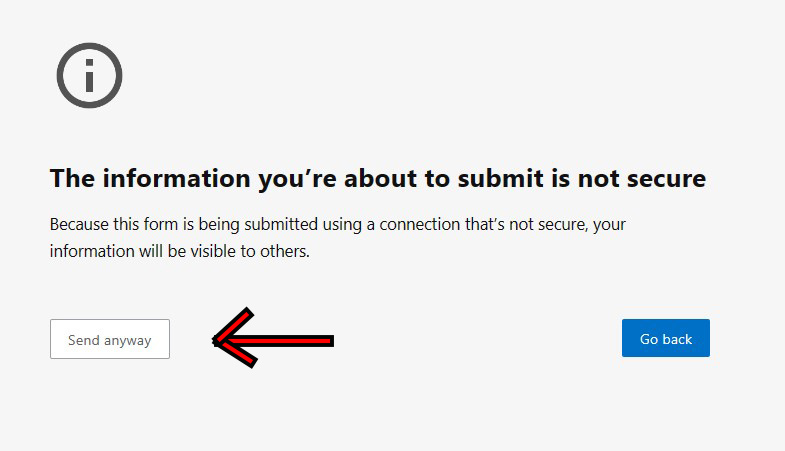
pic2
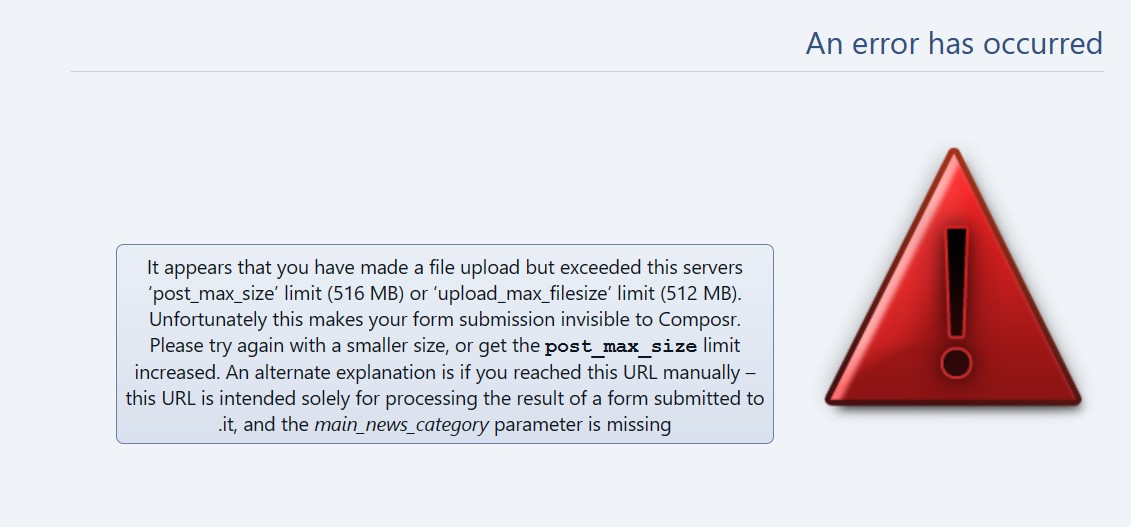
pic3
Posted



Core Developer


It could also be that Composr or your site is not set to enforce HTTPS.
Posted

Moderator

This seems like it may be a mix of different issues.
The core issue:
First, I'd make sure you are running the latest version of Composr.
Second, I'd make sure your browsers cache is cleared in case it is caching some CKEditor files from an older version of Composr (a common problem).
Third, I'd try a different browser to see if that makes a difference, and I'd try disabling browser addons to see if one of them is causing a CKEditor problem.
The "not secure" message:
I think this is probably because the browser you are using now wants you to only use forms on HTTPS websites, but you haven't configured HTTPS on your website. In recent years browsers have been aggressively trying to force all websites to be updated to HTTPS. You need to edit your base URL and install an SSL certificate. My understanding is now most webhosts integrate Let's Encrypt so that you can generate a free certificate.
The "file upload but exceeded this servers" error:
The error message is not correct. It may be the browser did not correctly submit the form when you clicked "Send anyway", or it may be that someone has put a redirect on the server that is redirecting http:// to https:// somehow but throwing away form data.
Anyway, properly converting your site to https:// should fix it.
Posted
The problem with my website is solved after reset the settings of the MS-Edge browser.
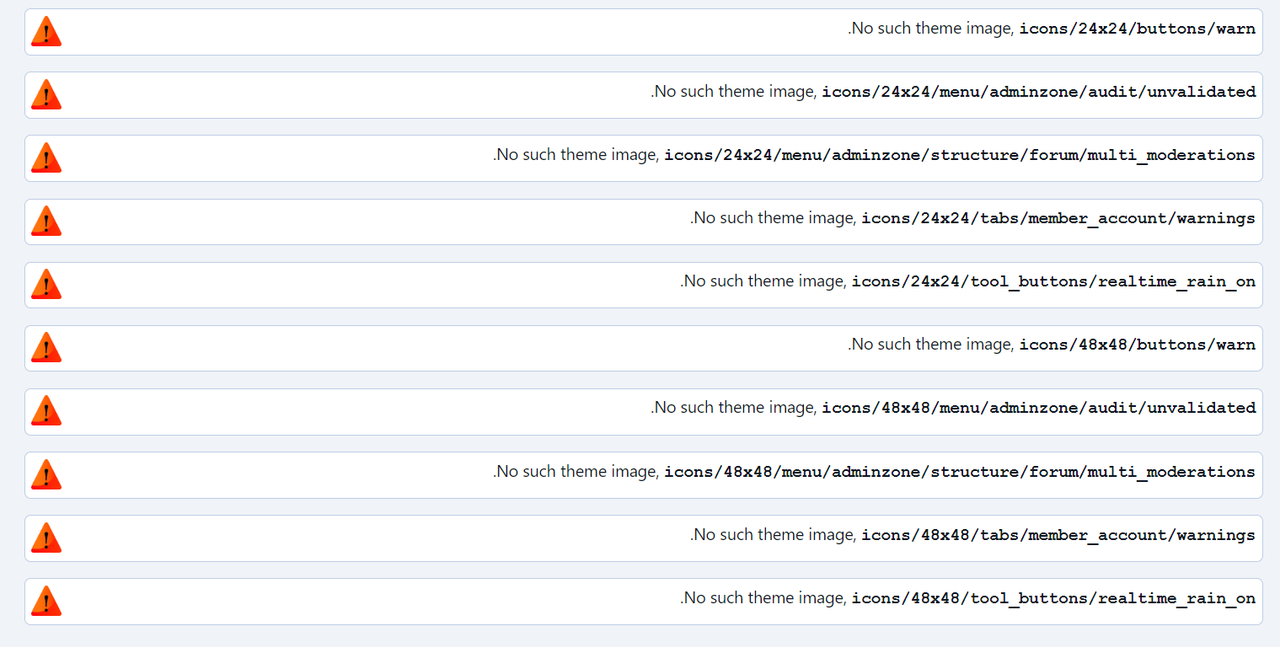
Yesterday, I have noticed the the portal is working fine on google chrome except a warning message when I login as an Admin (pic 1)
Today it is working fine except the warning message when I modify the Main Menu or add new post (pic 2)
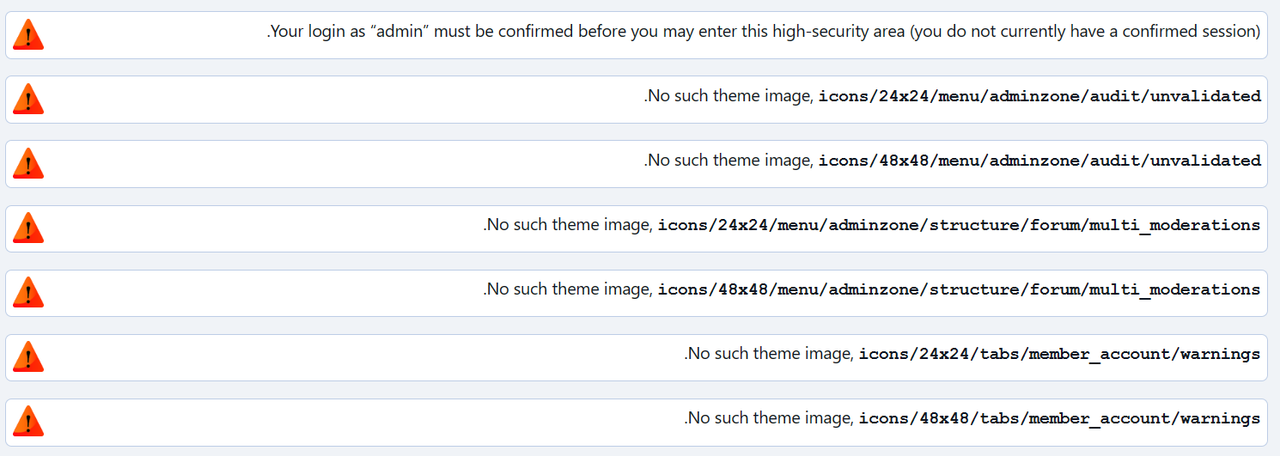
(pic 1)
(pic 2)
 Last edit: by fares9
Posted
Moderator
Did you just perform an upgrade in an undocumented way? This can happen when uploading files from bundled addons that are no longer installed, causing inconsistencies. For example, I can see that the sources/hooks/systems/addon_registry/cns_warnings.php file seems to be back even though I think you must have uninstalled that addon (because other files from it are not there).
The integrity check in the upgrader should help you clear out files that should not be there.
I'm interested in how this happened. It can happen when manually uploading all the files from an upgrader rather than having the upgrader script do the extraction. However, this is not an easy mistake to make as we use the .cms file extension rather than .tar so people don't try and extract it manually.
Posted
I have asked them to restore the files and the database from the day before the problem happened, then I have upgraded to the version 10.0.43 through the link provided in Admin Zone.
I have uninstall the cns_warnings addon and the warning has been disappeared now.
0 guests and 0 members have recently viewed this.


