

PT Post Shrinkage
Posted
#740
(In Topic #193)

Ummmmm.... how/why?
So,I was sending some information to a member of mine via PT. But I doubt said member can read it. I sure can't! The posts shrink horizontally! See attachments.
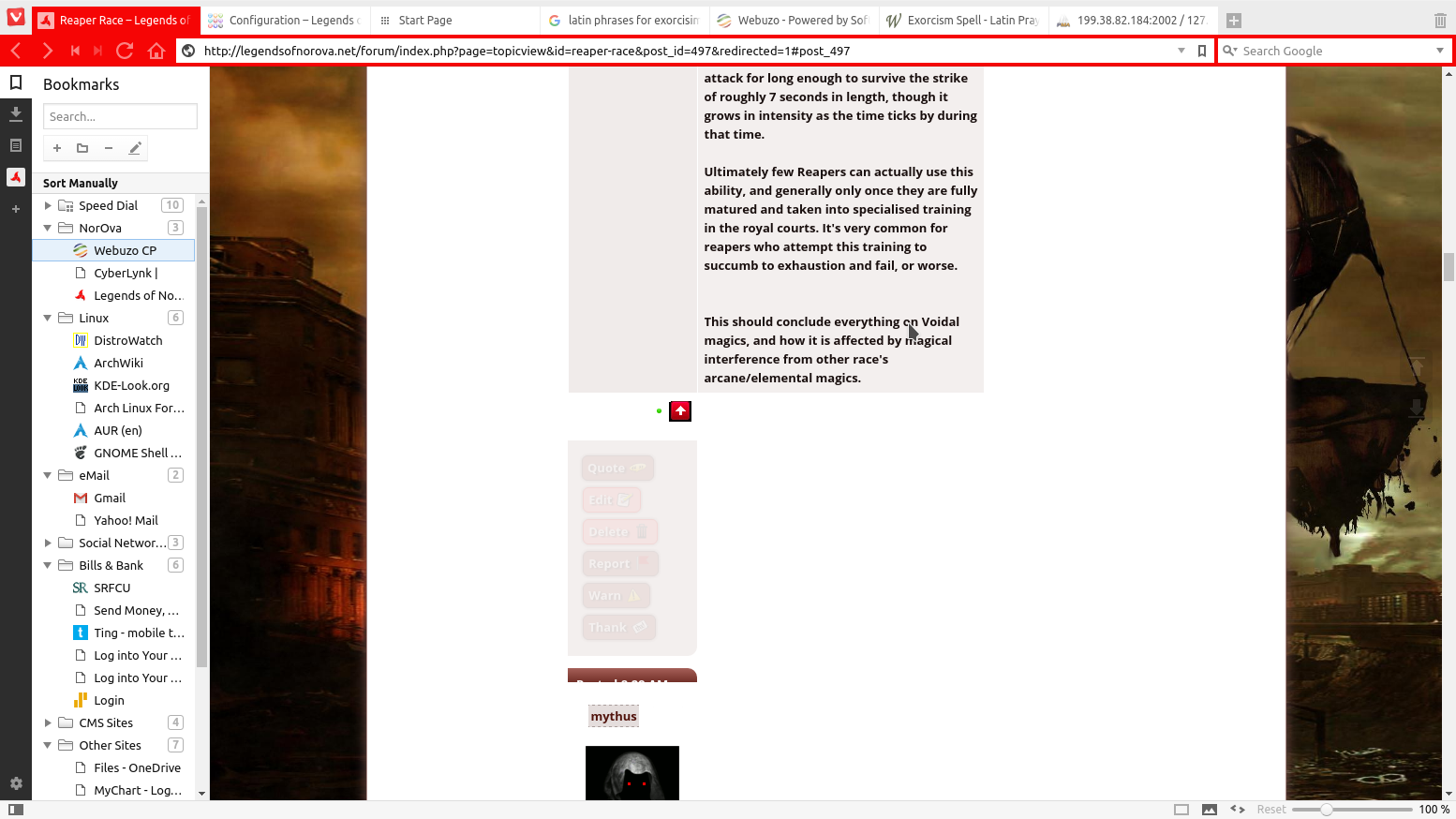
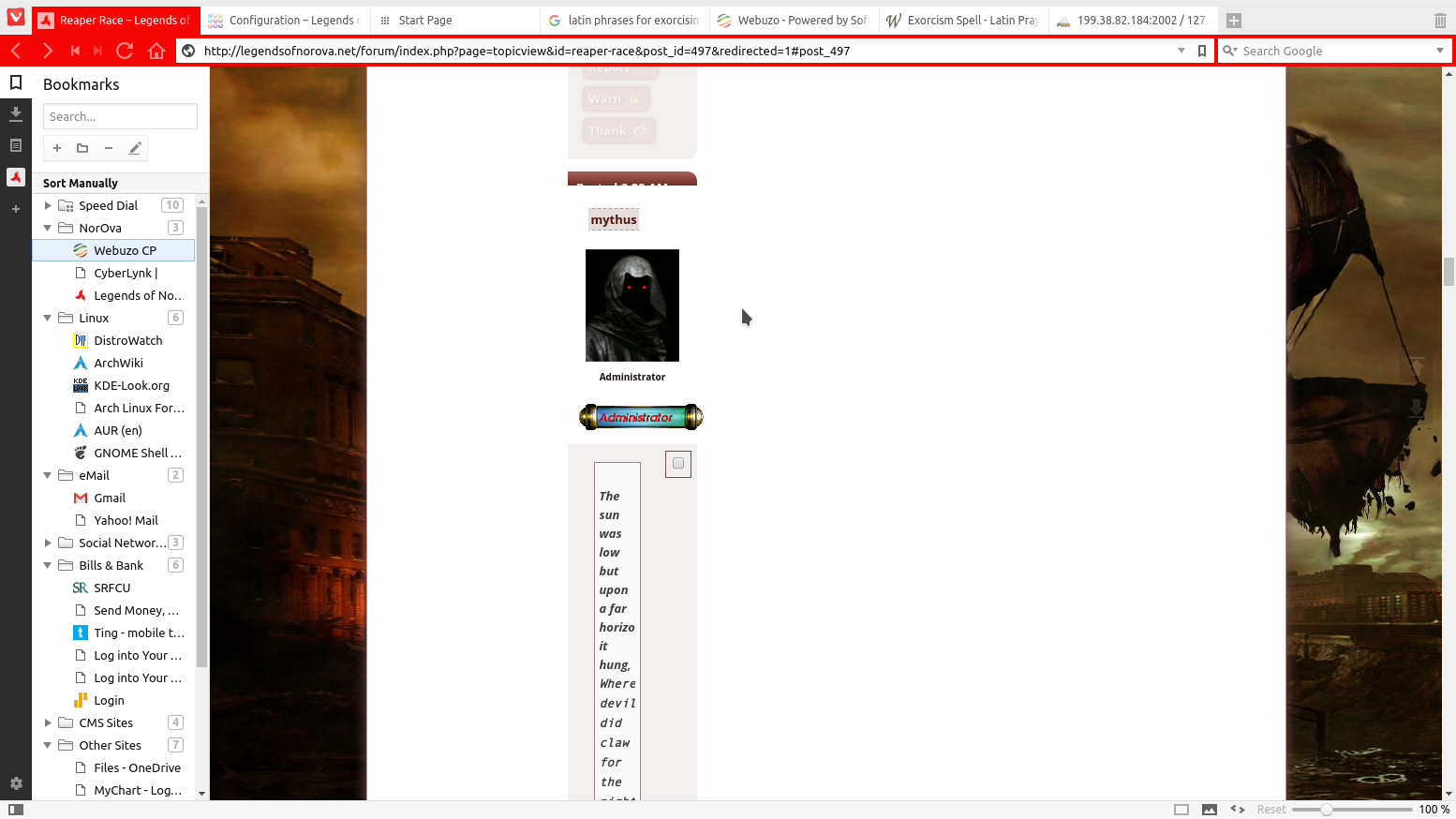
So yeah...
While making this post originally in Vivaldi (which uses the chrome engine), I couldn't get the attachments to work. Had to use firefox to make this post. Odd. I will see if editing the PT in firefox makes a difference and report, maybe vivaldi/chrome support is simply broken? Maybe it is something on my end? Maybe rabid hamsters have taken over the internets? Who knows.
Posted
Posted


Moderator


Are you able to link me to a live copy of the topic? I think you deleted the one referenced in the URL.
I suspect the issue is inbalanced HTML tags in the Comcode content, potentially the result of some filtering bug.
Posted
Moderator
I just did an attachment test in Vivaldi and it was okay. However specifically on your site your overridden ATTACHMENT_UI_DEFAULTS has a couple of junk characters at the start, which I've just fixed for you.
Posted
Posted
Moderator
I have deployed a fix into your theme that works around the issue.
0 guests and 0 members have recently viewed this.



