We apologize for the instability of composr.app and appreciate your patience. We are working on the statistics addon and trying to find an optimal way to store and render data. Unfortunately, we have yet to find a solution that can handle the traffic (and therefore, tens of millions of statistical records) of composr.app. We're working hard on one.
I'm gonna apologize in advance if this is a dumb question, but I'm still learning (learning quite a lot, thanks to the tutorials!).
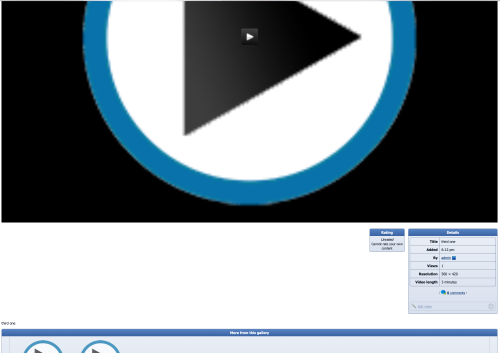
I've about 1,800 videos from an old Flash based site that I need to upload to my Composr instance, which is fine (I'll get the database structure, create the users, and then migrate the videos & insert the relevant data via SQL). The only oddity that I've found is when you open one of the videos, even though the resolution is, say 500x300, it will open in the ENTIRE free space of the window. Can this be changed?
So going with Fixed Width makes the videos more in line with what looks good. I just wish I didn't have to do Fixed Width, but could specify the max size of the video window.
I'm gonna apologize in advance if this is a dumb question, but I'm still learning (learning quite a lot, thanks to the tutorials!).
I've about 1,800 videos from an old Flash based site that I need to upload to my Composr instance, which is fine (I'll get the database structure, create the users, and then migrate the videos & insert the relevant data via SQL). The only oddity that I've found is when you open one of the videos, even though the resolution is, say 500x300, it will open in the ENTIRE free space of the window. Can this be changed?
Traditionally, the way the media player (JWPlayer) works is that it takes a height and width and sizes itself according to the aspect radio of the video. For most users, this is preferred as the video player size is always large enough to see the video while the player maintains the video's aspect ratio.
However, understandably, some users may not desire this behavior and want the player to explicitly be the size of the video. You can accomplish this by making a quick and simple edit to the template:
1) If you do not already have a custom override for it in templates_custom, copy themes/(theme name)/templates/MEDIA_VIDEO_WEBSAFE.tpl to themes/(theme name)/templates_custom/MEDIA_VIDEO_WEBSAFE.tpl.
			{$,Scale to a maximum width because we can always maximise - for object/embed players we can use max-width for this}

                {+START,IF_NON_EMPTY,{WIDTH}}

                    //width: {$MIN%,950,{WIDTH}},

                {+END}

                {+START,IF_NON_EMPTY,{HEIGHT}}

                    //height: {$MIN%,{$MULT,{HEIGHT},{$DIV_FLOAT,950,{WIDTH}}},{HEIGHT}},

                {+END}

                width: '100%',
Replace with (and save)
Code
			{$,Scale to a maximum width because we can always maximise - for object/embed players we can use max-width for this}

                {+START,IF_NON_EMPTY,{WIDTH}}

                    width: {$MIN%,950,{WIDTH}},

                {+END}

                {+START,IF_NON_EMPTY,{HEIGHT}}

                    height: {$MIN%,{$MULT,{HEIGHT},{$DIV_FLOAT,950,{WIDTH}}},{HEIGHT}},

                {+END}

                //width: '100%',
This tells JWPlayer to size itself exactly to the set dimensions of the video rather than going full-width and sizing based on aspect ratio.
(Example with 320 x 240)
4) If you want the player to be centered on the page, also scroll down to
Code
onReady: function() { if (document.getElementById('next_slide')) { stop_slideshow_timer(); jwplayer('{$GET%,player_id}').play(true); } }
And replace with (and save)
Code
			                    onReady: function() {

                        if (document.getElementById('next_slide')) {

                            stop_slideshow_timer();

                            jwplayer('{$GET%,player_id}').play(true);

                        }

                        var player = document.getElementById('{$GET%,player_id}');

                        player.style.margin = "auto";

                    }
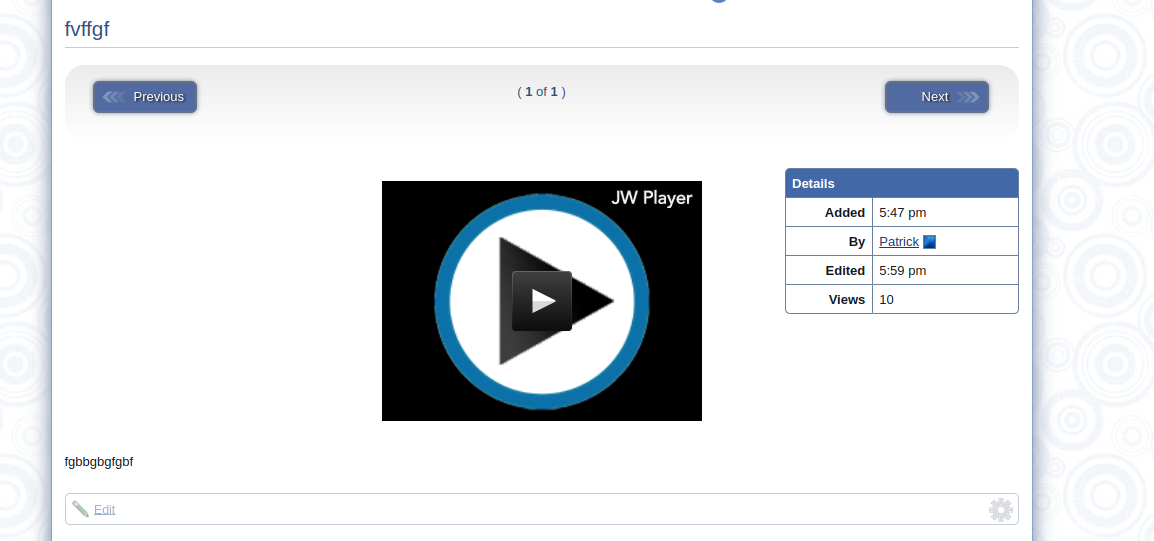
This will center the player, which will look like this (though it may look a little awkward with the details box, so this is completely up to you if you want to do this step):
Hope this helps you out. Please let us know if you have any additional concerns or questions.
0 guests and 0 members have recently viewed this.
Leader-board Top Weekly Earners
The top 3 point earners from 17th May 2026 to 24th May 2026.