

[SOLVED!] Change/Remove Wiki+ Background?
Posted
#2450
(In Topic #490)
Old mythus can't remember...
Greetings,Either this has changed or I simply can't remember how to do things…
Anyway, I want to remove the blue box background from my Wiki+ articles without affecting other boxes. It looks like the background is being called by .box, but changing it will change all items themed with .box stylesheet rules.
I have tried to work around this making a few stylesheet rules and applying their classes to the sidebar blocks and the like, to no avail.
Didn't this use to be controlled by global middle? I know CSS and HTML. I even know a little php. Bt I can't seem to remember how to work this out which is a bit frustrating…
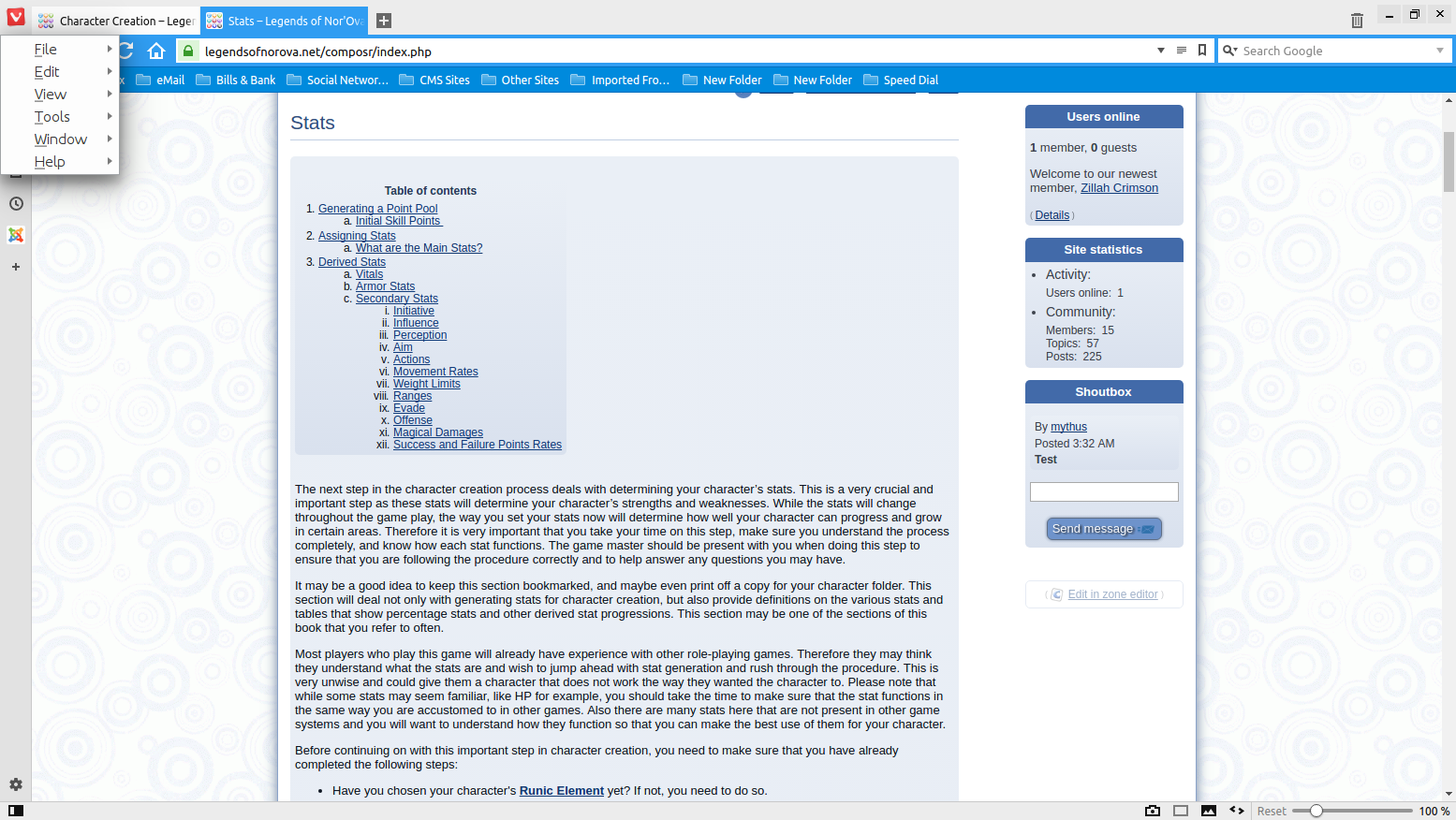
So how do I get rid of/change the blue box background of my wiki pages? Screenshot is attached. I want to remove only the background of the article, not the background of the side blocks or table of contents - though bonus points for directing me / refreshing me on where I can alter those!
 Last edit: by mythus


Moderator


If you enable "Hide posts" on the Wiki+ page it will remove that box as a side-effect. That's probably what you want.
Otherwise, edit WIKI_PAGE_SCREEN.tpl and remove <div class="box box___wiki_page_screen"><div class="box_inner">...</div></div>.
Posted
I forgot it works that way. I don't suppose there's some spiffy Commandr code to set all the wiki pages to "hide posts" is there?
Moderator
Code
@UPDATE cms_wiki_pages SET hide_posts=1
Posted
Moderator
Posted
 .
.
Posted
Moderator
2 guests and 0 members have recently viewed this.


