

Eric's adventures in Composr land
Posted
#116
(In Topic #82)

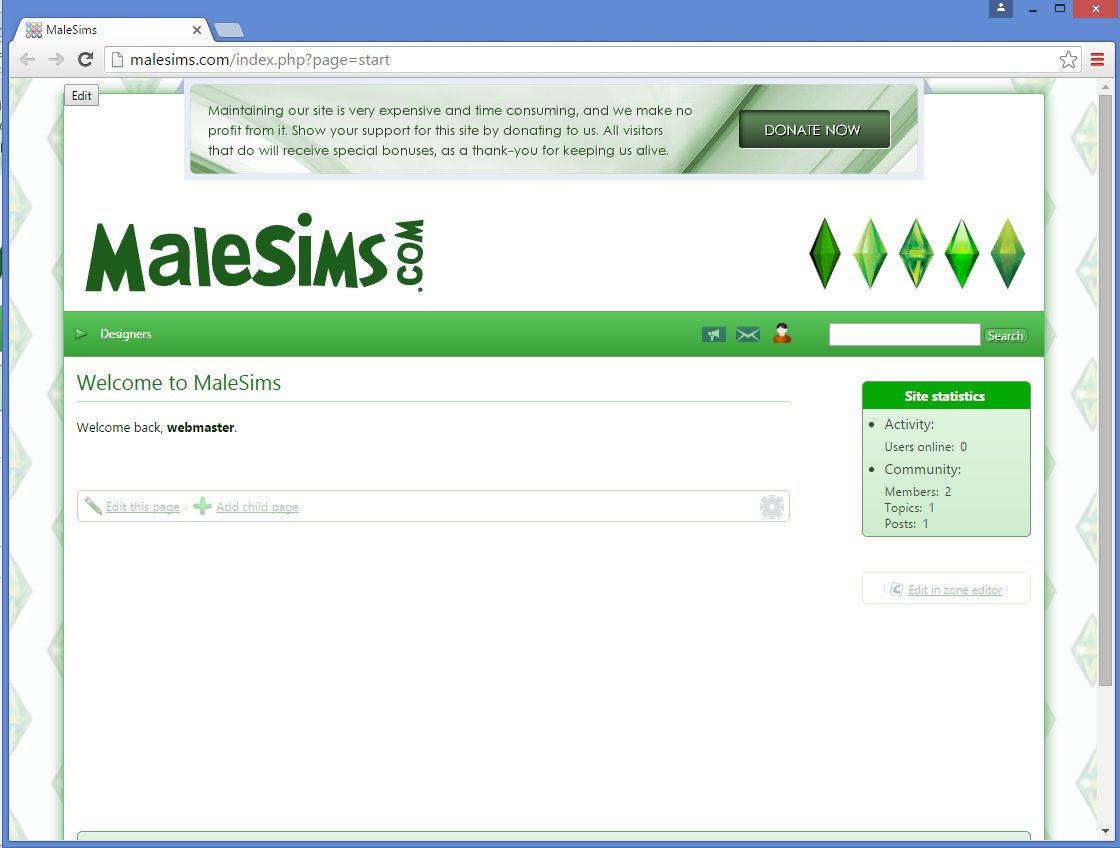
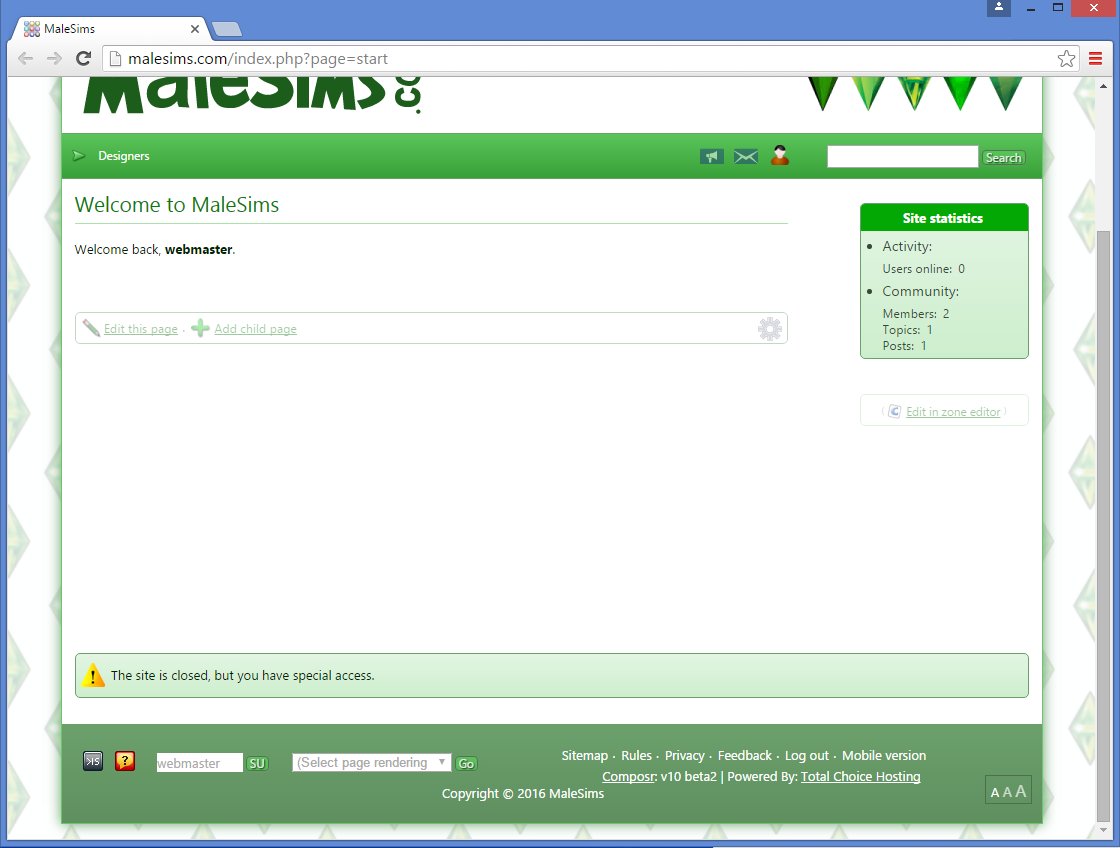
Tonight I installed a fresh (not updated from ocPortal v8 or v9) beta.
Ran the setup wizard, which was very similar to ocPortal but I liked the new layout of it all when it came to picking and choosing what to display and what not.
It was a bit slow at moments, but I don't blame the software for that.
 Would like to use this thread for any praises or errors if I may in my designing of the site. Plus it'll be fun to see the progession of it from start to….never finished.
Here is my first error:
"A configuration option (username_click_im) which does not exist was referenced"
I'm guessing this is something real easy to fix.
 Last edit: by Eric


Moderator


 .
.Keep the bug reports rolling in!
It will be a bit of a gap before beta3 as I'm out in the US on a project for a while and I'll be managing the bug fixing.
Posted
 .
.
Posted

Posted
With ocPortal, this was done automatically in the downloads admin area for me and I didn't need to configure anything. I'm thinking I missed a step somewhere and cannot rack my brain on what I missed.
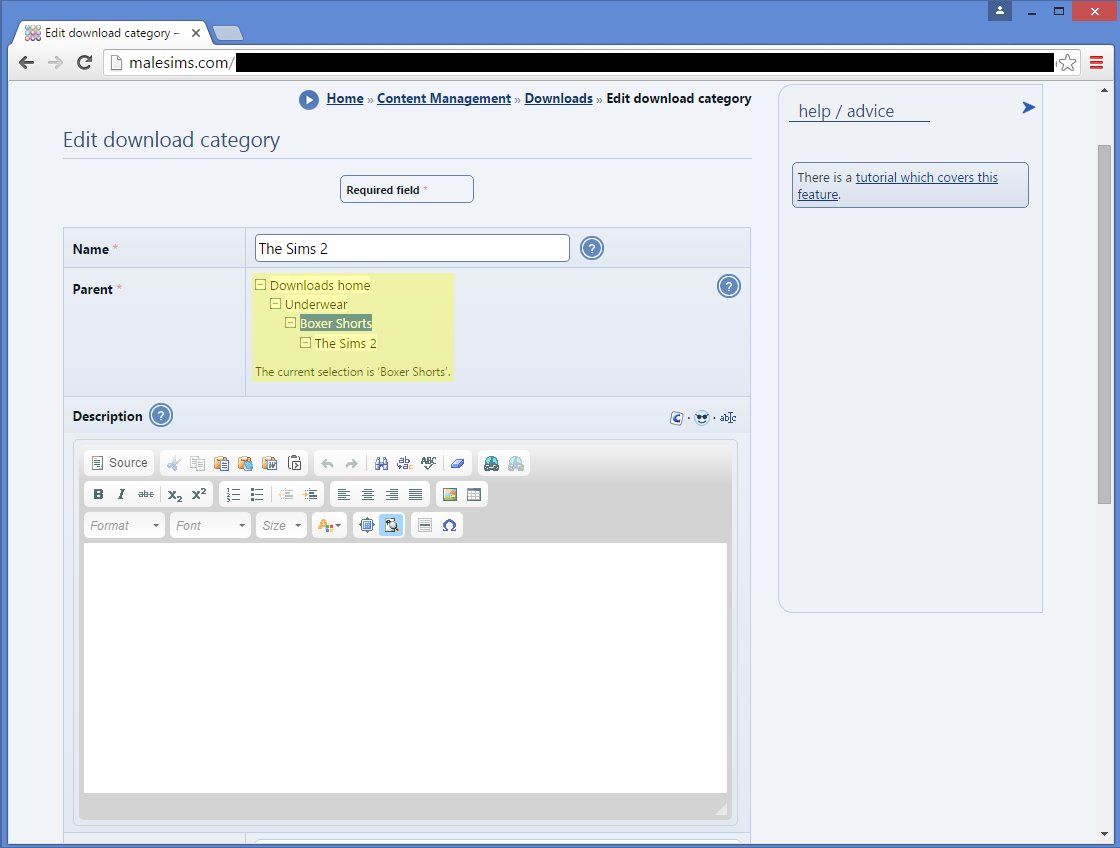
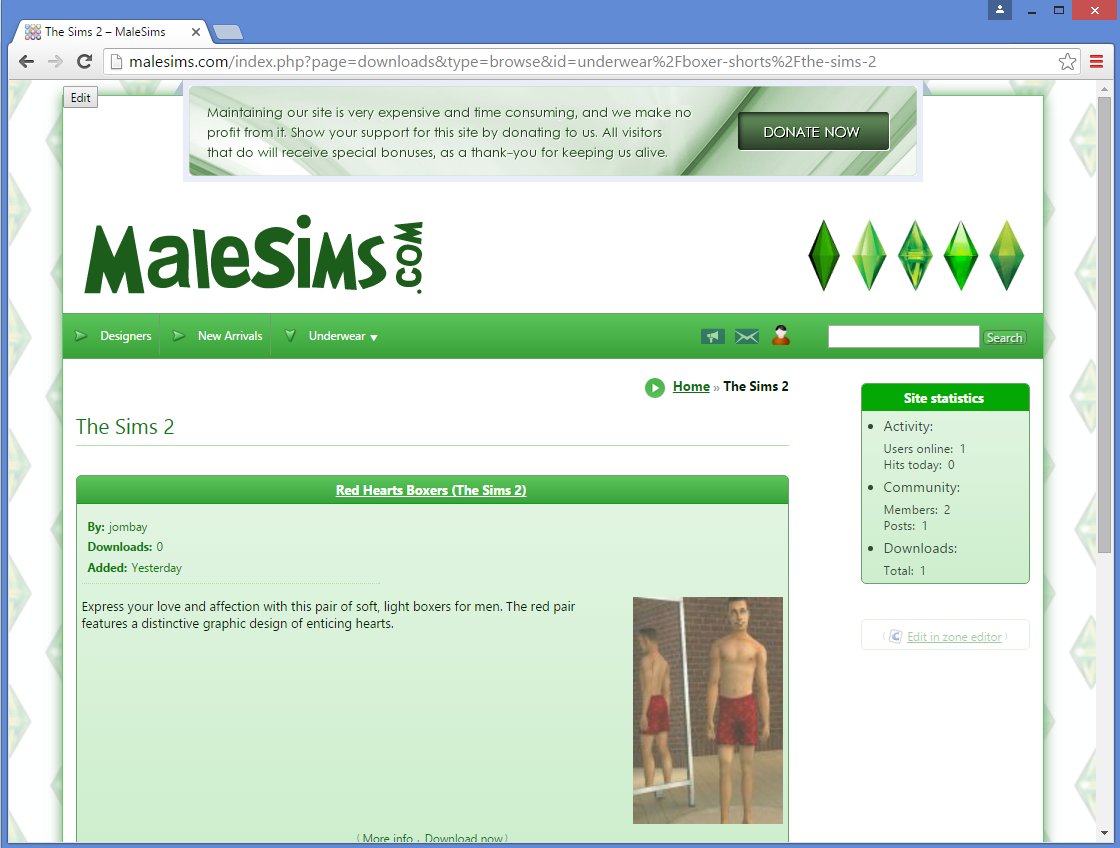
As you see with the image below, the download's parent category is the home page. And then the parent category of that category is also the home page.
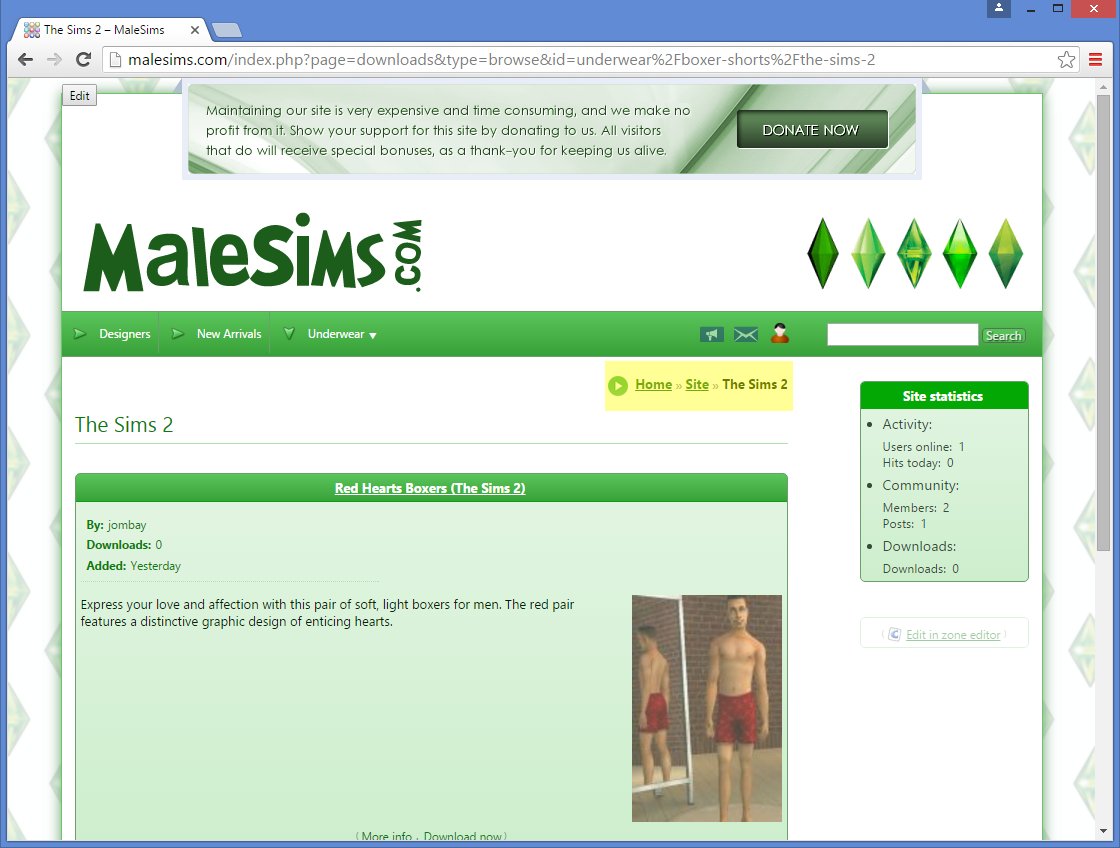
Is there a step I missed, so it'll show Home → Boxer Shorts → The Sims 2 instead of Home → Site → The Sims 2? My downloads edit category shows it correctly as you see below.

Moderator

Posted
Moderator
<span label="Site">site:</span>
from the Breadcrumbs
<substitution match_key="site:_WILD_NOT_START:browse">
<span label="Home">:</span>
<span label="Site">site:</span>
</substitution>
<substitution match_key="site:_WILD_NOT_START">
<span label="Home">:</span>
<span label="Site">site:</span>
</substitution>
Moderator
I would think Boxer shorts would appear in the breadcrumbs when you actually load that page, on the screenshot it seems you aren't actually viewing the boxer shorts page, just the entry point. I could be wrong, I often am. You could probably override the breadcrumbs with a bit of experimentation, but if they aren't working as intended I am sure they will be working right again in Beta3.
Posted
Moderator
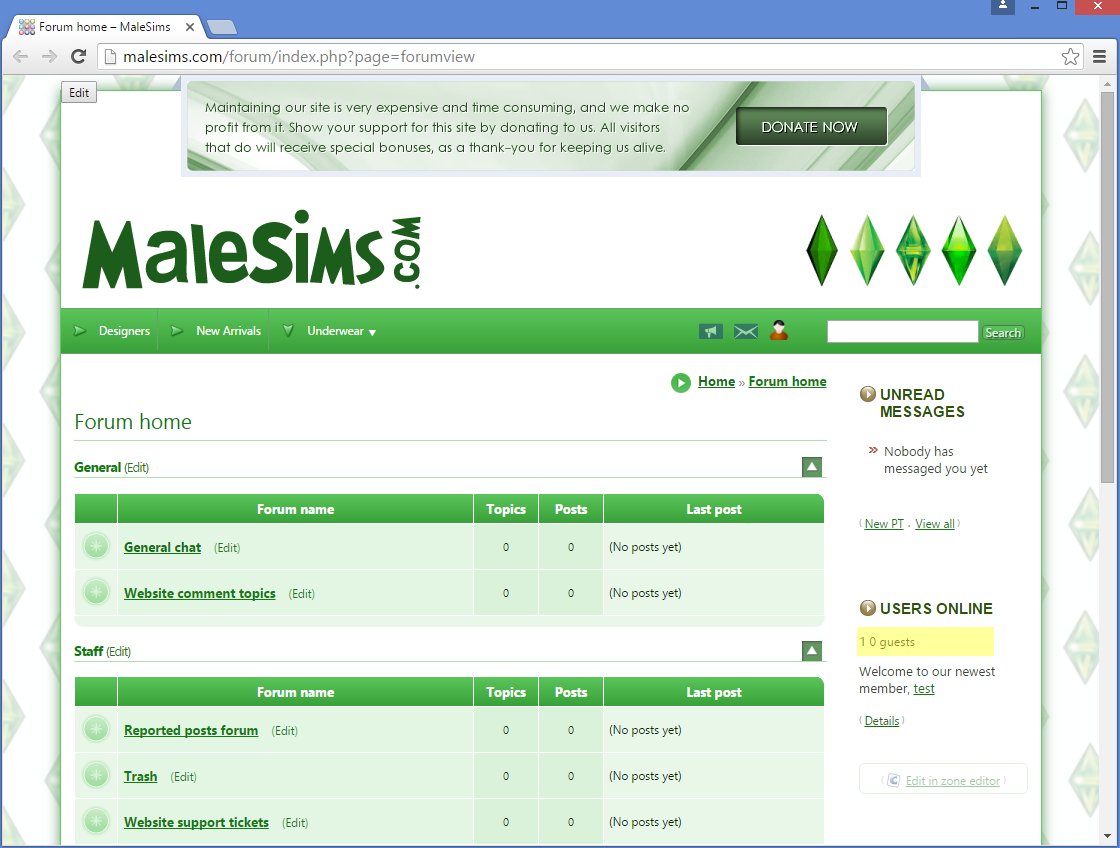
However, adding the blocks, I did notice that it's missing the word members perhaps for when there is one online? See highlight in the image below. It looks weird. 1 0 guests. Think it means 1 members 0 guests?


Moderator
Posted
I added Usergroups with no problem.
But when I went to edit and upload a Usergroup rank image, I got this:

Going back to the Usergroup edit page, the new rank image was there, so was able to change it to that. So that was a plus.
P.S. - Clicking the image icon in a new post here doesn't ask for an attachment for me anymore.
 So I apologize for the large image. But at least it's easy to see…lol


Core Developer

Eric said
Today I played with the Usergroups option.
I added Usergroups with no problem.
But when I went to edit and upload a Usergroup rank image, I got this:
Going back to the Usergroup edit page, the new rank image was there, so was able to change it to that. So that was a plus.
P.S. - Clicking the image icon in a new post here doesn't ask for an attachment for me anymore.
From “Post #190”, 20th Feb 2016
Yeah I had the same problem and have reported it to Chris. I've come across a lot of issues in beta 2 thus far… and Chris will probably want to strangle me and shout "Let me get beta 3 out!" lol. The POST security token issue is still present in some areas (must be tedious to keep track of all the forms and whether or not they include the new security token feature, so I can understand some of them are missing by accident). And Composr's WYSIWYG has several critical bugs in it too still, such as messing up your comcode tags and HTML parameters when you go to edit a comcode page. Also there was once that all the button icons were incorrect for their function on the editor, but couldn't reproduce the error after that one time.
Posted
Moderator
Eric said
Today I played with the Usergroups option.
I added Usergroups with no problem.
But when I went to edit and upload a Usergroup rank image, I got this:
Going back to the Usergroup edit page, the new rank image was there, so was able to change it to that. So that was a plus.
P.S. - Clicking the image icon in a new post here doesn't ask for an attachment for me anymore.
From “Post #190”, 20th Feb 2016
Fixed in git, thanks.
Posted
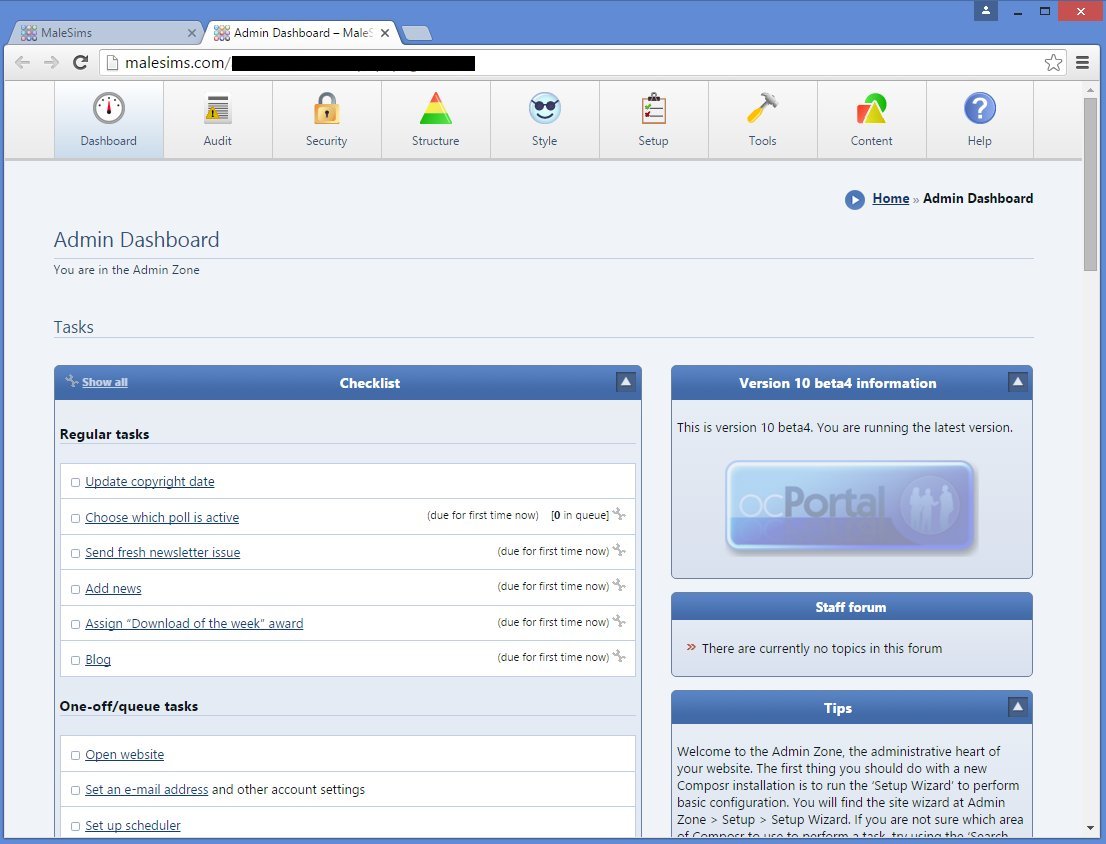
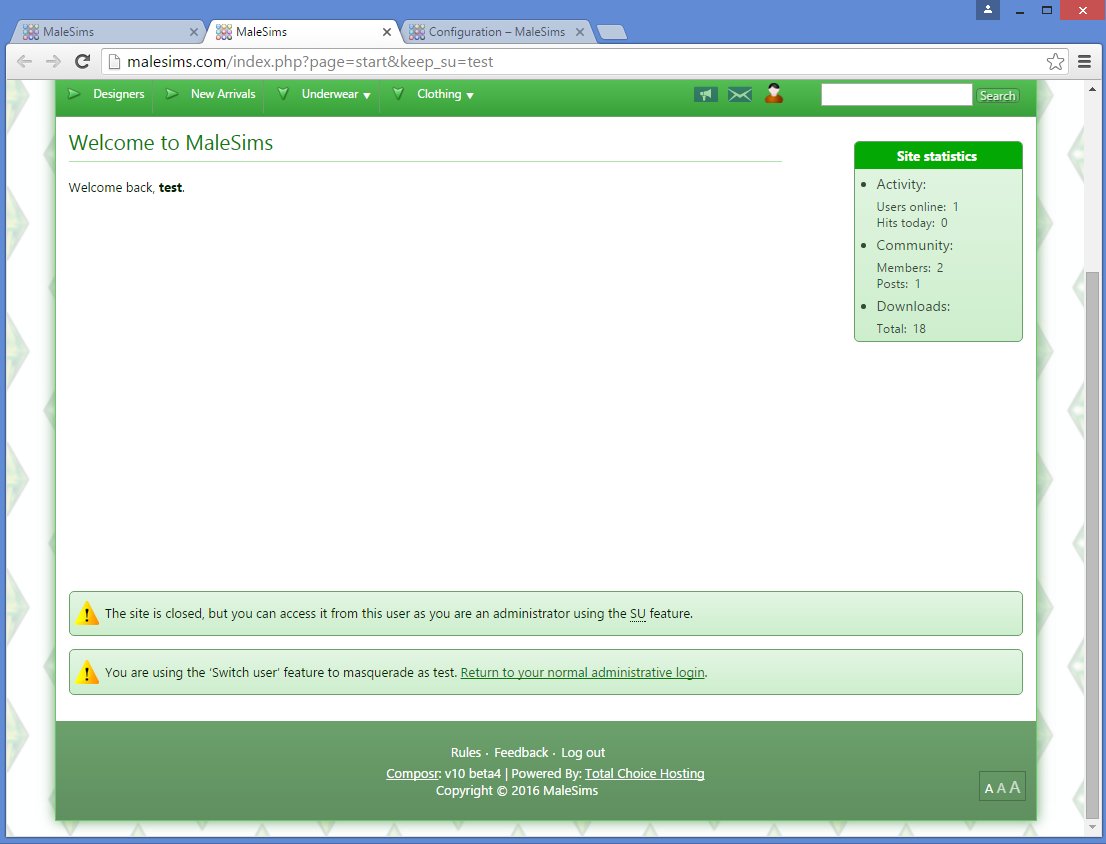
Successful!
I do hope by the time the stable release comes out, the product logo in the admin dashboard turns from

Moderator
.
0 guests and 0 members have recently viewed this.
