

Custom Profile Fields
Posted
#1391
(In Topic #334)

How can I to fix it?
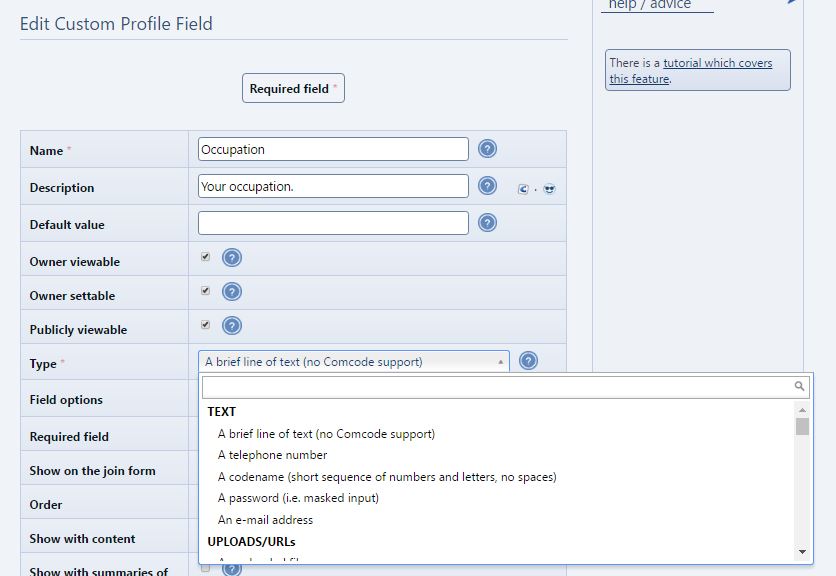
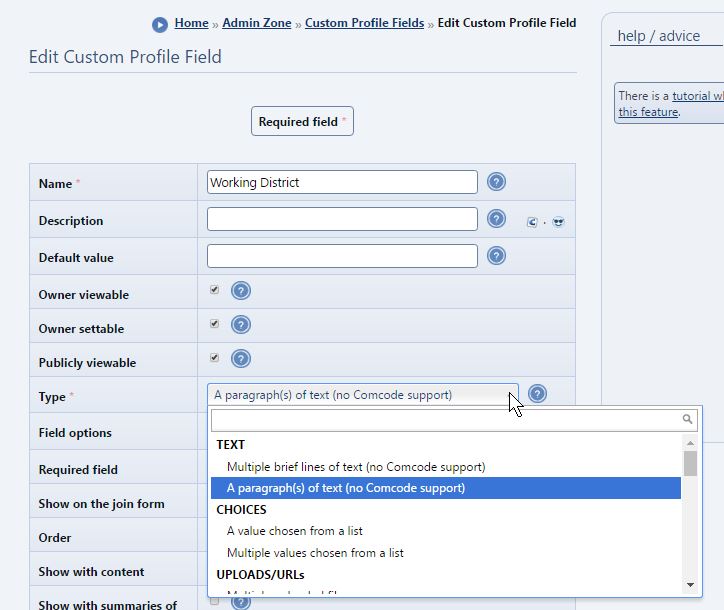
2. The field type available for selection of my added CPFs are different from those bundled. Is this normal?
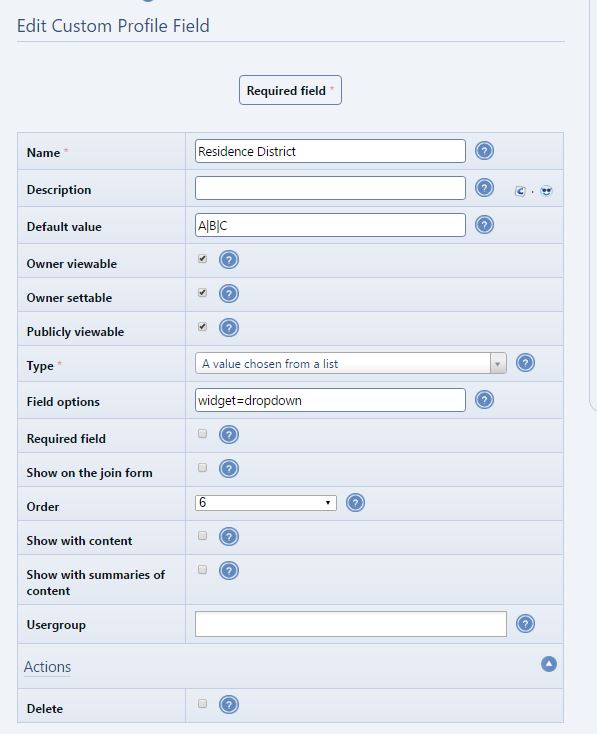
Posted


Moderator


Looks like a config issue on your site. I'm taking a look.
The field type available for selection of my added CPFs are different from those bundled. Is this normal?
I think you're saying that there are fewer type options when editing a CPF compared to when adding a CPF. This is normal, as you can only edit to another field type that uses the same underlying storage method (integer, string, etc).
Posted
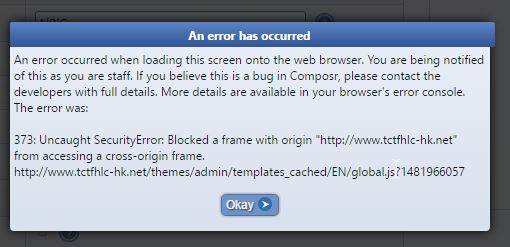
What's wrong?
Posted
Moderator
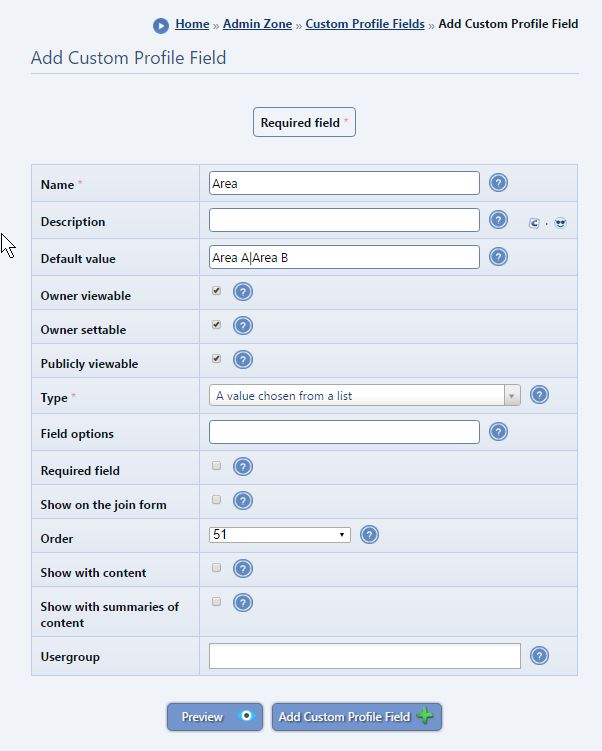
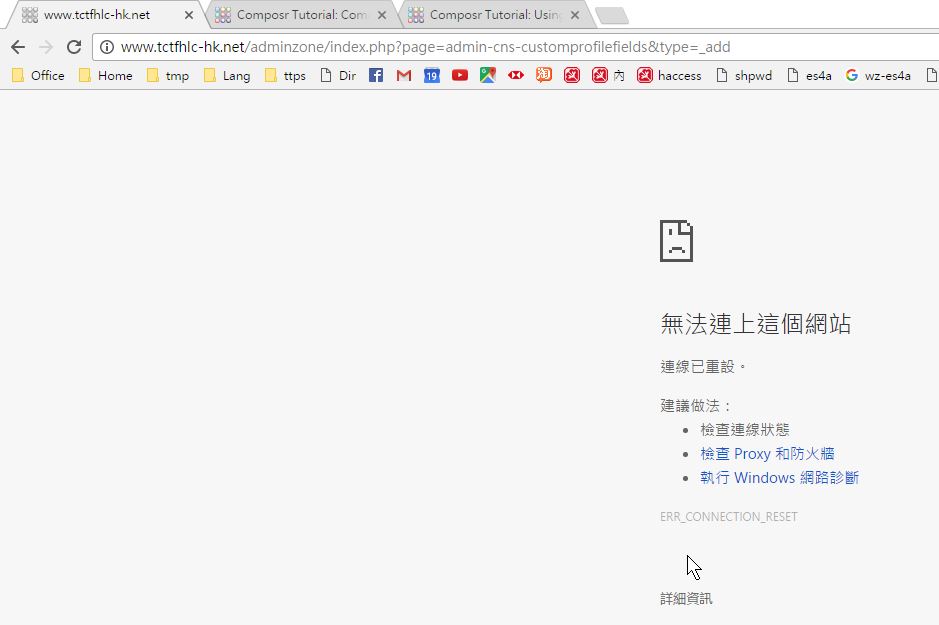
I think both these problems are external to Composr, I couldn't reproduce them myself. You may want to try a VPN if that is possible to you, for a more 'reliable' connection. I just added the "Area" CPF to your site without a problem.
The JavaScript error ("An error has occurred") should no longer happen as I've made it a bit smarter. But again I don't think it was a Composr bug, but some kind of networking issue.
Posted
Chris Graham said
Hi,
I think both these problems are external to Composr, I couldn't reproduce them myself. You may want to try a VPN if that is possible to you, for a more 'reliable' connection. I just added the "Area" CPF to your site without a problem.
The JavaScript error ("An error has occurred") should no longer happen as I've made it a bit smarter. But again I don't think it was a Composr bug, but some kind of networking issue.
From “Post #1372”, 14th Dec 2016
Using Chrome 55 x64 is not okay but Edge works like a champ.
Posted
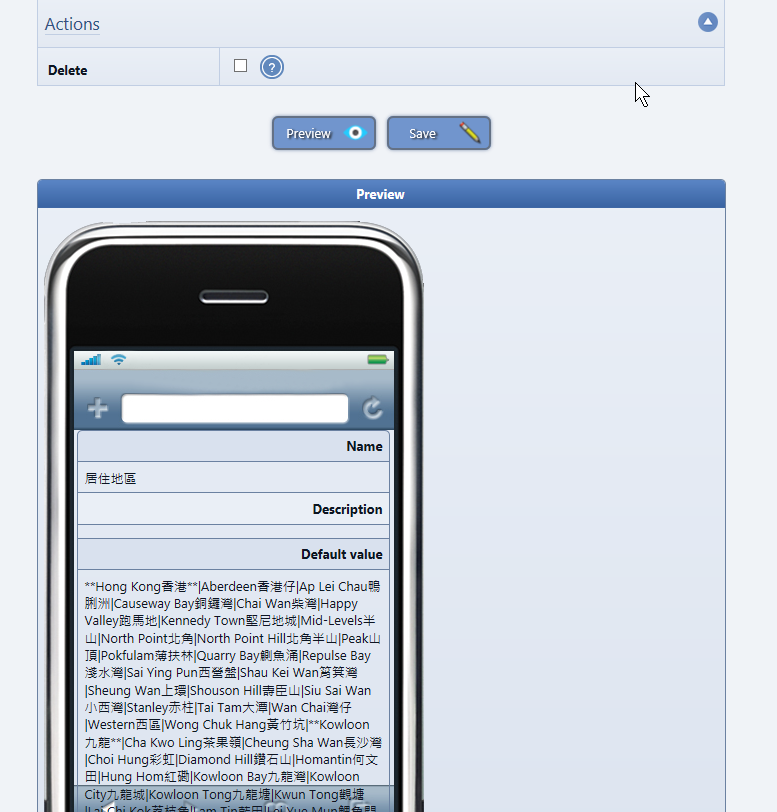
- Order in Preview is ONE less
- I think in mobile preview, it is nice if the label is left aligned while the value is right aligned.
Posted
Moderator
Thanks.
The orders do get stored counting from zero, while they are usually displayed counting from one. That's inconsistent, so I'll fix.
I think we should left-align both on mobile actually.
Posted

Moderator
kitonline said
Chris Graham said
I think we should left-align both on mobile actually.
From “Buildr”, 11th Jan 2016
A matter of opinion, though bold and normal font is a differentiation, using left and right alignment make it even clearer.
From “Post #1380”, 14th Dec 2016
It would, but just in English we don't normally right-align stuff except for small phrases.
I have just reviewed all the previews and simplified them. There was a lot of junk on the previews that didn't need to be there, it'll now either show a nice looking preview (which is implemented for quite a few content types), or it will just show the basic text fields with Comcode rendered.
1 guest and 0 members have recently viewed this.



