

Using the Main Screen Actions Block and What it Displays
Posted
#6805
(In Topic #1582)

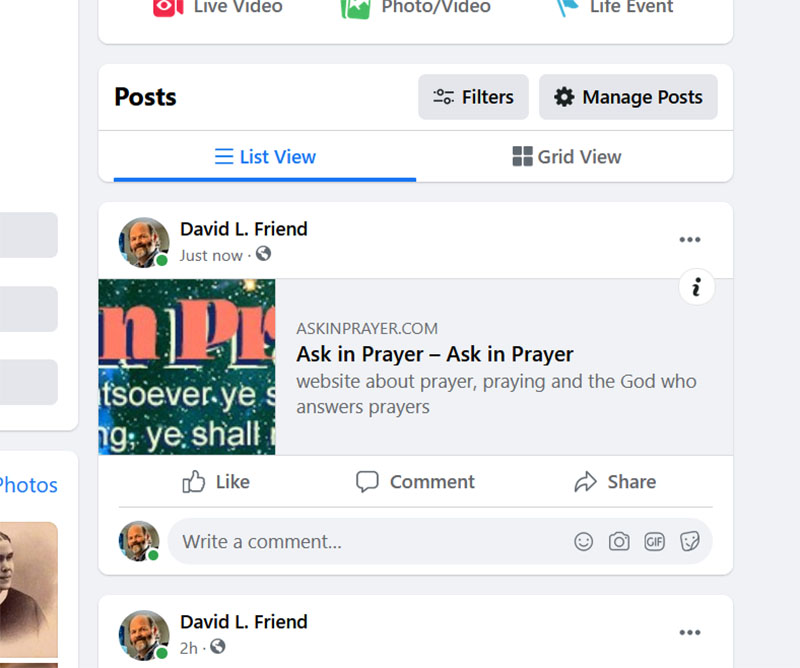
Is there a way to fix this so the image is not truncated or something I can comtrol what is being seen in the reccomendation?
Posted


Moderator


 .
.Sure.
You need to edit the HTML_HEAD template, removing this:
Code
{+START,IF_NON_EMPTY,{$METADATA,image}}<meta property="og:image" content="{$METADATA*,image}" /><meta property="og:image:width" content="{$IMG_WIDTH*,{$METADATA,image}}" /><meta property="og:image:height" content="{$IMG_HEIGHT*,{$METADATA,image}}" />{$,NB: You may also want to define a image_src link tag for some social sites}{+END}{+START,IF_EMPTY,{$METADATA,image}}<meta property="og:image" content="{$IMG*,logo/standalone_logo}" /><meta property="og:image:width" content="{$IMG_WIDTH*,logo/standalone_logo}" /><meta property="og:image:height" content="{$IMG_HEIGHT*,logo/standalone_logo}" />{+END}
You can just upload some new image to your server and reference it instead in the template:
Code
<meta property="og:image" content="url_to_the_image" />
0 guests and 0 members have recently viewed this.



