

Reordering Gallery's Order
Posted
#6510
(In Topic #1451)

How to make gallery order different than alphabetical
I am creating my gallery format for my art site. I understand that images are ordered by their upload order or by the name of the photo such as foo.png, foo1.png, foo2.png, etc.But gallerys must be different now because I added the gallery and subgalleries in the order I wanted them, expecting that the first added would become the last showing once another gallery was added and so on. but it looks like the order is set by alphabetical order now. I see in the old ocPortal (v. 9.0.18) it was by order added. So what can I do to change this to come out as shown in the Figure 2 below?
This is how Composr 10.0.33 laid out my galleries: This order won't work for me as the galleries should be in cronological order...
Figure 1.
Paintings--\
\-- Arcs & Lines Series
\-- Commissions
\-- Little Panel Project Human Security Series
\-- Human Security Series In Red Series
\-- In Red Series Little Panel Project
\-- Out of Your Mind Series
\-- This and That
This is how ocPortal 9.0.18 laid it out and is how I want the gallery order to be again which is in cronological order:
Figure 2.
Paintings--\
\-- Out of Your Mind Series
\-- Arcs & Lines Series
\-- Little Panel Project
\-- Human Security Series
\-- In Red Series
\-- Commissions
\-- This and That
Posted


Moderator


I think that'll solve your issue.
Posted

Posted
Moderator
Posted
Posted
Posted
Moderator
I think the original issue is resolved by my suggestion.
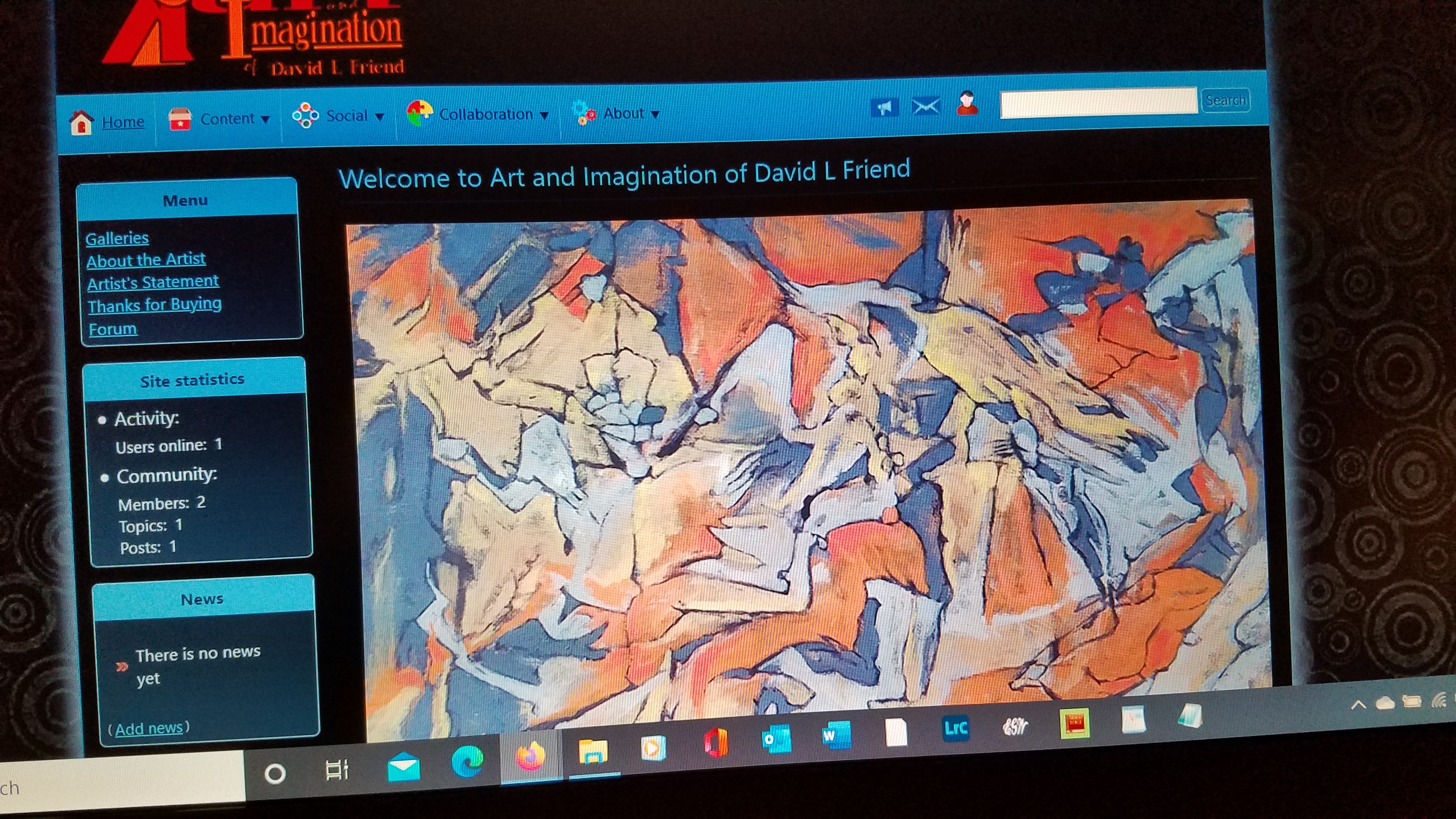
If anyone works out a way to reproduce the logo missing after emptying caches please bring it up.
I did do some testing and found a different bug, but I rewrote some code that wasn't so great so maybe I improved things.
As for the CSS not rendering, possibly something to do with system resource use on a hosting account, I'm not sure. Editing the configuration would cause caches to be flushed out. They should then repopulate. I wonder if they didn't because that loads some PHP requests in parallel to do it (all the CSS files after a cache purge will be loaded up via .php scripts), and that could have hit a resource limit, and then the browser cached the failure. Just guessing.
Again if anyone can report a reproducable bug I'll look into it.
Posted
I have just been flushing whatever element of the cache I think might be affected by my action - although Im sure most times I really don't need to. I am just enjoying using Composr and I haven't thought of any of these things as really bothersome. It's just part of re-acustoming myself to the way things work. Thanks for a really good product.
7 guests and 0 members have recently viewed this.


