New Comcode Page In Site Menu?
Posted
#7226
(In Topic #1793)

How to get a new comcode page to show up in the menu?
I made a new comcode page (as indicated here), but it is not showing up in the site's main menu and I did not use a leading "_" on the page name.- When saving, I set the parent page as N/A. Aside from changing the breadcrumbs, I don't know if anything else will change when setting a parent page.
- I clicked the little "m" icon on the site's main menu to edit, but I was warned about the menu no longer being "automatic". I would like the menu to remain automatic, but the new page is not there…
What I want to do is have my new comcode page show up under the "About" main menu item while still keeping the menu automated. I have no clue where to go or what to do to accomplish this so any pointers are welcome.
Also, since my knowledge of the menu system is lacking…, it very well could be that the automated menu is not necessary and what I really need is the manual menu. I just don't know.
While watching a video linked to from this site, I saw a top level menu item called "Pages". That is not necessarily the route I wish to go, but I am curious about what that is about because my setup does not have that menu item.
Any help is appreciated.


Start with the about menu, touch the down arrow on the about menu. Notice the diamond with the M in it. Click on that.
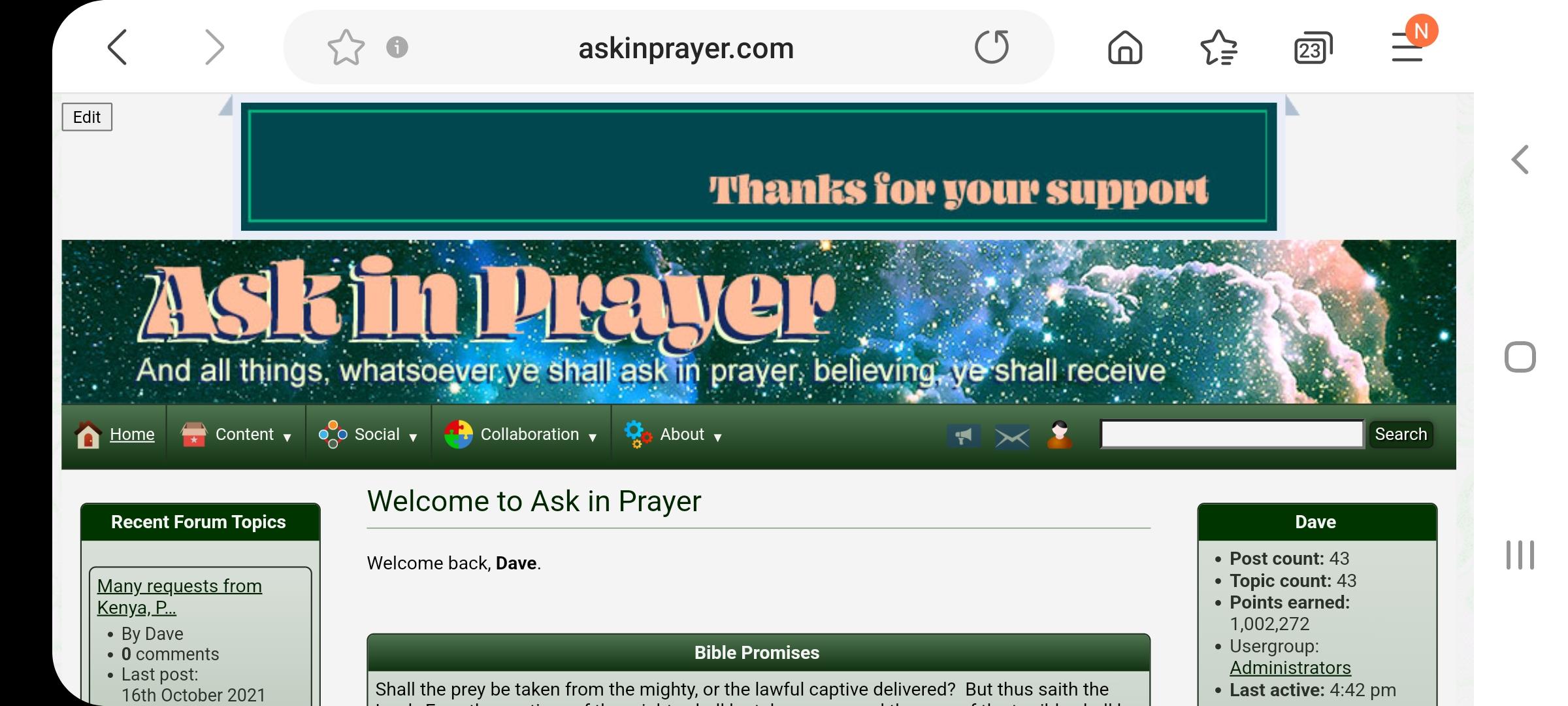
Next you will see a page that will have 2 blue buttons to select from… choose proceed

Now you will see a long list containing the main menu. Notice under each main menu title (Content, Social…About and so forth) there are the link pages. Each link title has something it is linked to.

Now scroll down until you find About. You can there add a branch (link) then fill in the title and attach your new page. You might have to play with it a bit, but I think you'll figure it out.

The place you enter your new page info is at the bottom after you have added a branch.
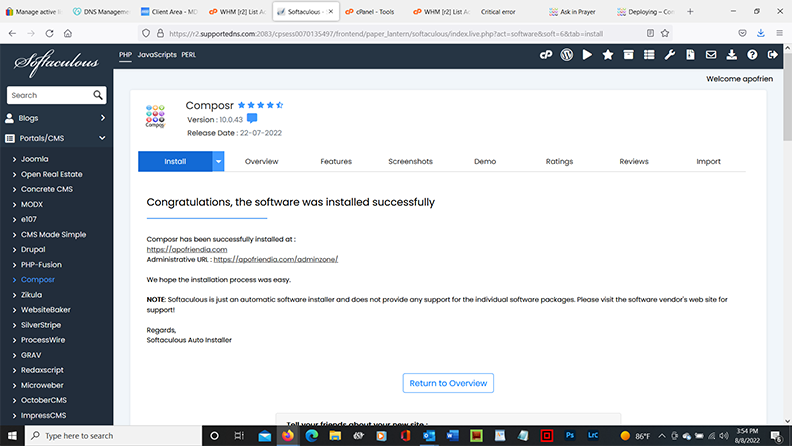
Like I said play with it. You'll get it.
If all else fails read the tutorial (HA HA - might be a good place to start) Customizing what's on the menus
Have fun!
Posted
Also, thanks for the link to the official menu tutorial. Somehow I wasn't able to find it when I went looking for it. I will go through that as well.

Posted
Posted

Automated fix message
This issue has now been filed on the tracker as issue #4866, with a fix.blues84 said
Hello everyone, I'm new to composr and I'm struggling with email configuration.
My forum is located in WebHostMost where a default email is created.
Then, I created a info@xyz email from where I'm able to send email (I tried to send an email directly from roundcube and it works).
The problem is that if the forum wants to send an email (for example verification email after registration) the email itself is sent using the default email address created by webhostmost.
I was not able to find the section where I can configure the info@xyz email.
Could you please support me? Thanks in advance!
Posted


Moderator


For it to appear under About you would have needed to manually edit the menu anyway though.
0 guests and 0 members have recently viewed this.