Background Fixed Image



Back when ocPortal was around i ask a question about the background image to be a fixed type, so like if you open your page and scroll, the image just stays there but everything else moves thats what i want to put back onto my website using composr.
i know its in the global.css but not sure what to change as i also want to have it transparent.
could you please lead me in the right direction in where to find or add this please.
photo is below and you can see where the background dont stay
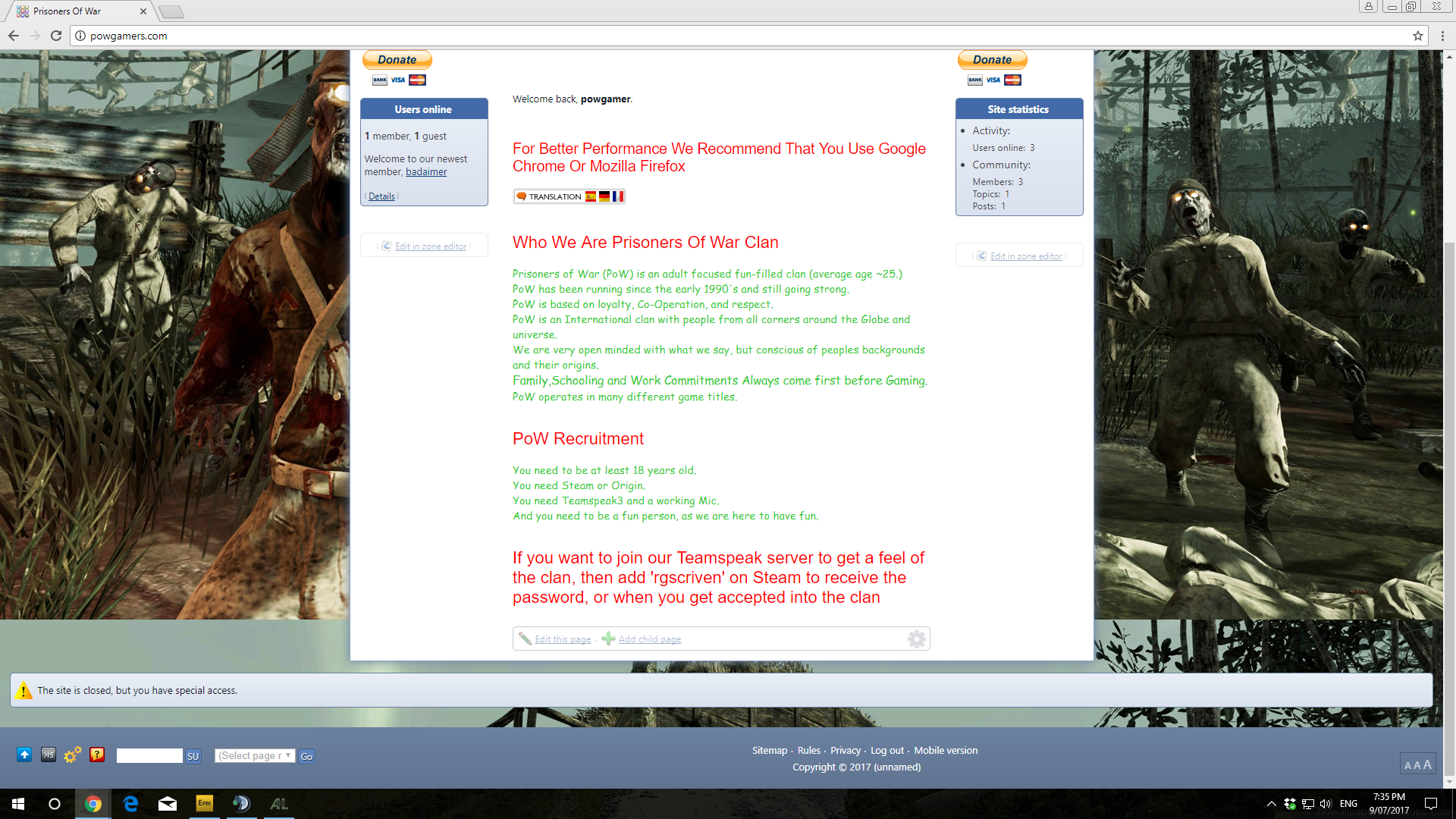
 Last edit: by rgscriven
Posted


Moderator


CSS background-attachment property

W3Schools offers free online tutorials, references and exercises in all the major languages of the web. Covering popular subjects like HTML, CSS, JavaScript, Python, SQL, Java, and many, many more.
Posted

Here is my entry:
Code
			html>body#main_website {

    background: #AEAEAE;

    background-image: url('{$IMG_INLINE;,back3}');

    background-repeat: no-repeat;

    background-attachment: fixed;

    background-position: 50% 0px;

    background-color: #000;

    background-size:2500px;

}
My reference
Code
$IMG_INLINE;,back3
I uploaded the background image through the "edit theme images" and called it back3, hence the reference.
Adjust the remaining css to suit your needs.
The
Code
background-size:2500px;
Can also be removed, it suits my needs which is why I have it.
I got the background image static now so its fixed, but with the inner website as it goes up and down with scroll i would like that to be transparent so you can see the whole background image behind the wording.
also i was going though some of your themes and i liked some so i may check them out also.
Last edit: by rgscriven
3 guests and 0 members have recently viewed this.