Strange CSS Behaviour
Posted
#6848
(In Topic #1606)

Changing colours in CSS destroy Layout
EDIT*** FIXED -- FORGOT TO RUN THE CLEANUP TOOLS AFTER EDITING MY BAD. lolHi,
Been awhile since using Composr wanted to dive back in. Setting up a local site using AMPPS on Win 7. PHP 5.6
I installed site was running well. Copied the default theme directory to new directory named tsn and modified the global.css file directly and just changed the color schemes section to change colors. Saved file.
Loaded theme and the start page looked alright at first. Then tried to view collab zone pages and everything is messed up no proper formatting??
Evem start is now messed up??
All I did was replace color codes in global css what could be goin wrong??
 Last edit: by Duck
Posted


Moderator


 ,
,
Posted
 Hi Chris,
Thanks for the welcome back.- I had hoped my days of web work were done to be honest but recent times have compelled my to get active so here I am.
Always loved this CMS for its out of the box raw power and full set of features but I am reminded after a long absemce it is not necessarily for the faint of heart for with robust feature and control comes natural complexity lol. Still good to see you guys are still going strong.
That said although my above mentioned issues is mostly resolved I have come across some other pecularities. In particular is one related to the banners and "PNG" files it seems? I will attach pics to demonstrate but let me first describe what happened:
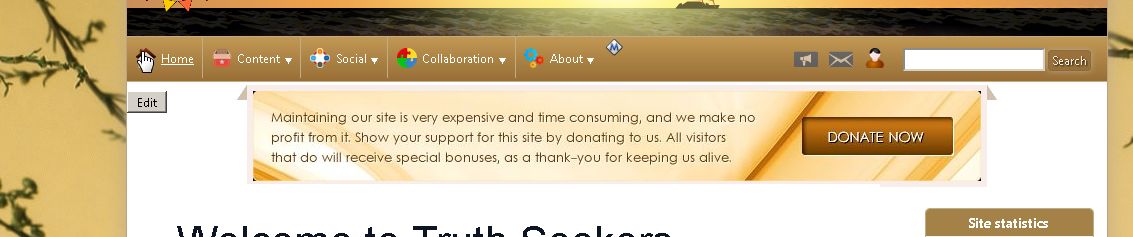
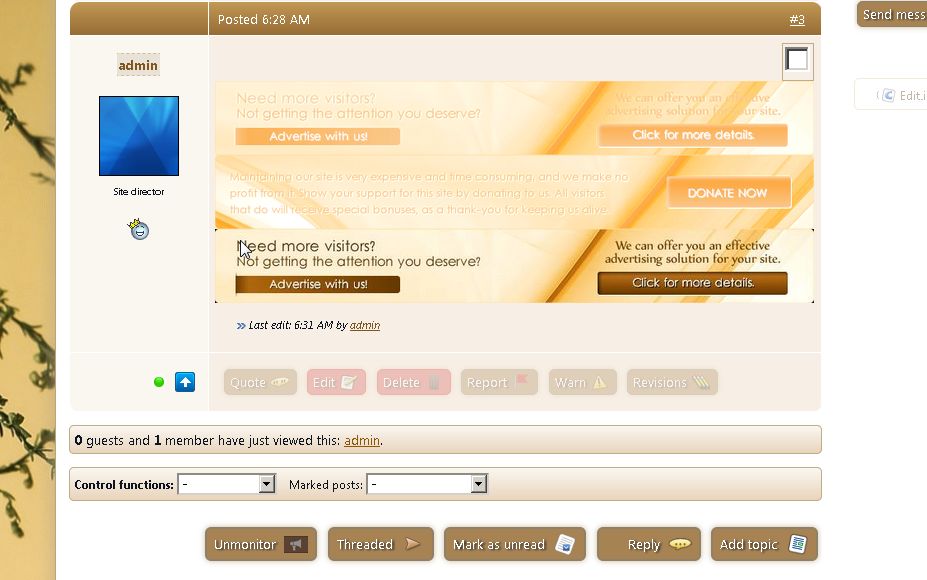
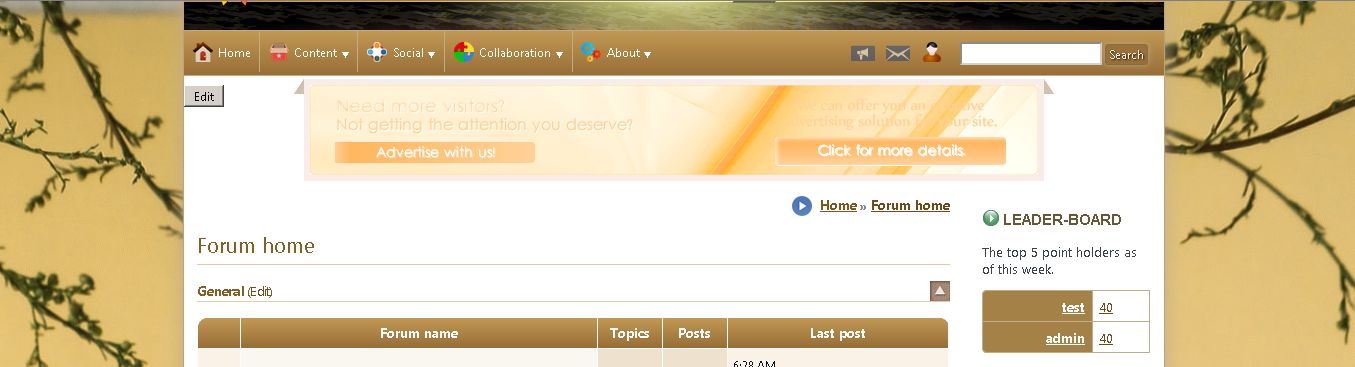
So as I was modifying default theme (btw using theme wizard to seed color thing didnt go well for me so I just manually edited colors in globalcss) and as such I had to edit many images. And since I am no longer set up for graphic design I had tried downloading gimp to try and change blue icons etc to brown. That didn't go so well but I found my already installed irfranview could achieve what I wanted thru a 3 stage process of "swap colors" by swapping to first pink then green then brown. Although tedious this semed to work out well for a lot of images. Some not so welll like new forum topic icons (the went blurry) and while it seemed to transform the Banner images (found in data/images) and resaved them fine as original png's when actually displayed on the site (this is local btw I have no domain or site to load to yet) they appear very muted and unable to read? However they look perfectly fine when opened in my image viewer? I tried saving as JPG and uploaded as a new banner and it showed up fine. Also the png's when added to to forum posst for test again showed blurred/muted but the JPG was clear. I am going to attach 3 pics to demonstrate. One is of site banner in action (muted png) another is also of site bannerin action (unmuted jpg) and the last is a forum post with 2 png banners and a jpg banner so you can see the dif there.
The PNG's look exactly the same as the JPG when opened in an image viewer on my laptop they only look different inside composr.
Any ideas???
Posted
Moderator
Likely you have a PNG gamma issue. Try feeding it through a PNG crusher, which usually (for whatever reason I cannot remember) resolves this. PNG gamma is a way of specifying like an 'adjuster' to how to display the RGB colours, and not all software uses it or doesn't use it consistently.
0 guests and 0 members have recently viewed this.